GPU or CPU Rendering: Which to Use
The choice between rendering on graphics cards or on processors, which affects speed, memory limits, cost and feature support.
 MediaScaleUp Editorial Team

Where most projects go wrong
The usual mistakes:
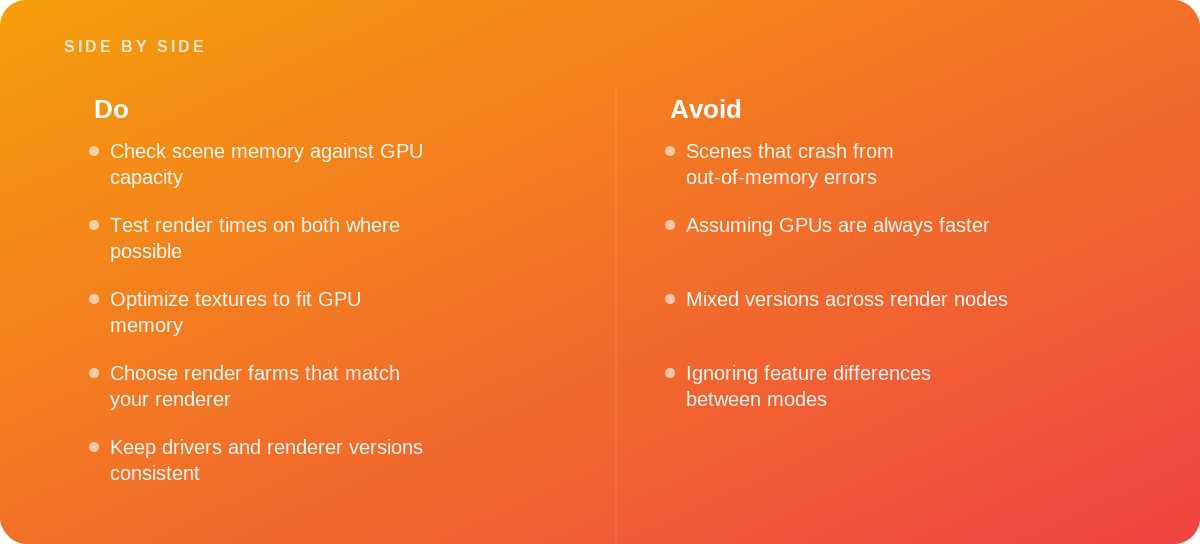
- Scenes that crash from out-of-memory errors
- Assuming GPUs are always faster
- Mixed versions across render nodes
- Ignoring feature differences between modes
What good looks like instead
- Check scene memory against GPU capacity
- Test render times on both where possible
- Optimize textures to fit GPU memory
- Choose render farms that match your renderer
- Keep drivers and renderer versions consistent
Why it matters
GPU rendering is often much faster, but scenes that exceed GPU memory or need specific features may still require CPU rendering.
The specs that matter
| Measure | Figure |
|---|---|
| GPU strengths | high parallel speed for many rendering tasks |
| GPU limits | scenes must fit into video memory |
| CPU strengths | large memory and broad feature support |
| Hybrid | some renderers can use both |
Knowing when to hand it over
Tip: Bring in help when planning render hardware or render farm budgets.
Where this comes from
- Blender Foundation — Blender manual: GPU rendering
- NVIDIA Developer — Rendering
The figures and practices above come from the sources listed.
Working on something like this?
We take on 3D Design & Development work for teams who want it done once, properly. Tell us what you are building and we will tell you honestly whether we are the right studio for it. Start a project.
Where to go next
Spotted something wrong? Report an error on this page. We correct on the page and say what changed.