Displacement, Bump and Normal Maps Compared
Three ways to add surface detail: displacement moves geometry, while bump and normal maps change shading without changing geometry.
 Imogen Clarke
Why does it matter?
Choosing the right method balances realism against render cost, since displacement is realistic but expensive.
What are the numbers?
- Displacement moves vertices to create real surface relief
- Bump maps grayscale height used to alter shading
- Normal maps encode surface direction per pixel
- Silhouettes only displacement changes an object's outline
What should I do?
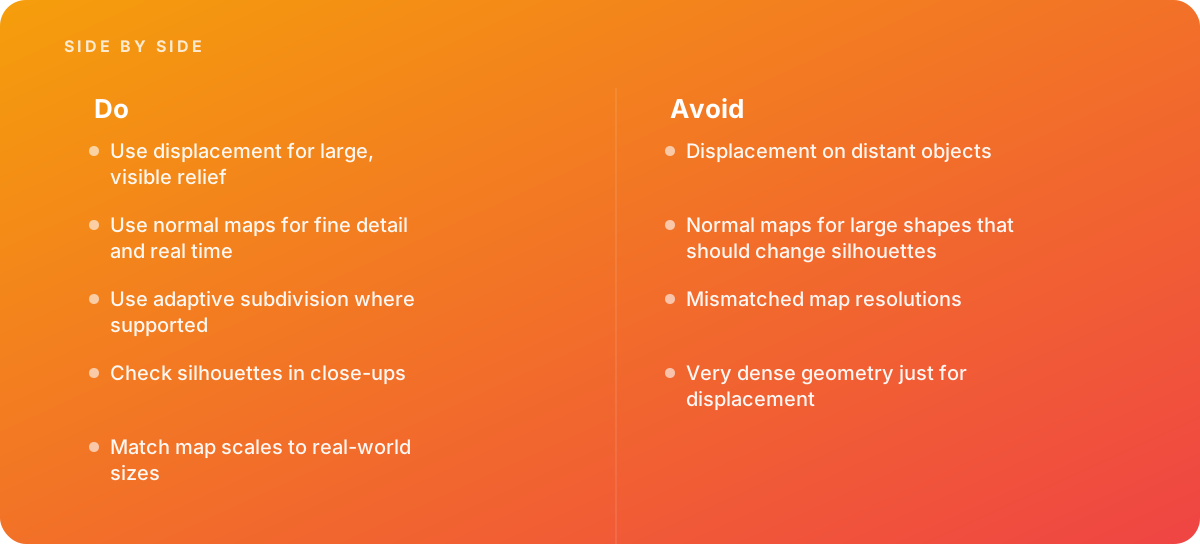
- Use displacement for large, visible relief
- Use normal maps for fine detail and real time
- Use adaptive subdivision where supported
- Check silhouettes in close-ups
- Match map scales to real-world sizes
What should I avoid?
Avoid:
- Displacement on distant objects
- Normal maps for large shapes that should change silhouettes
- Mismatched map resolutions
- Very dense geometry just for displacement
When should I get help?
Short answer Bring in help when surfaces look flat in close-ups, or when renders slow down from displacement.
Where this comes from
- Blender Foundation — Blender manual: Displacement
- Unreal Engine Documentation — Material inputs
The figures and practices above come from the sources listed.
Working on something like this?
We take on 3D Design & Development work for teams who want it done once, properly. Tell us what you are building and we will tell you honestly whether we are the right studio for it. Start a project.
Where to go next
Spotted something wrong? Report an error on this page. We correct on the page and say what changed.