A Practical Guide to Subsurface Scattering
The way light enters translucent materials such as skin, wax, marble and food, scatters inside and exits elsewhere, giving them a soft glow.
 MediaScaleUp Editorial Team

At a glance
- Materials skin, wax, marble, milk, fruit and soap
- Radius controls how far light scatters in each color channel
- Render cost adds render time
- Scale scattering depends on the model's real-world size
Why it matters
Why it matters: Skin and many products look lifeless and plastic without subsurface scattering, which is essential for realistic characters and food.
Best practice
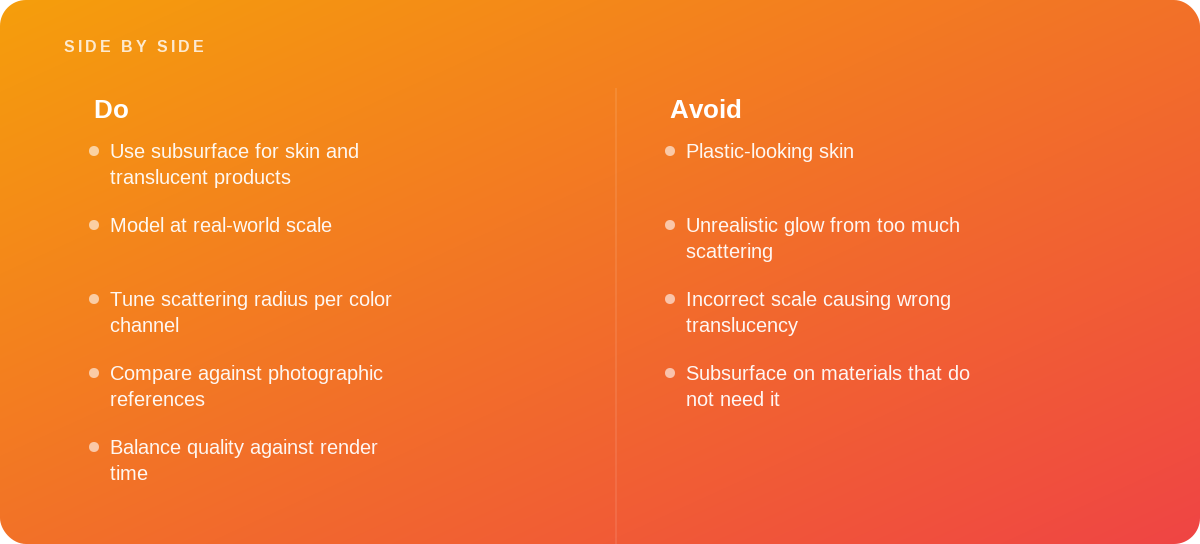
- Use subsurface for skin and translucent products
- Model at real-world scale
- Tune scattering radius per color channel
- Compare against photographic references
- Balance quality against render time
Common pitfalls
Watch out for:
- Plastic-looking skin
- Unrealistic glow from too much scattering
- Incorrect scale causing wrong translucency
- Subsurface on materials that do not need it
When to call in a specialist
Bottom line Bring in help when character or food renders look artificial.
Where this comes from
- Blender Foundation — Blender manual: Subsurface scattering
- Autodesk — Arnold standard surface documentation
The figures and practices above come from the sources listed.
Working on something like this?
We take on 3D Design & Development work for teams who want it done once, properly. Tell us what you are building and we will tell you honestly whether we are the right studio for it. Start a project.
Where to go next
Spotted something wrong? Report an error on this page. We correct on the page and say what changed.












