A Practical Guide to glTF Material Extensions
Khronos extensions that add advanced material features, such as clearcoat, transmission and sheen, to glTF models.
 MediaScaleUp Editorial Team

What is at stake
Extensions make glTF products look more realistic on the web, but support varies across viewers and engines.
The playbook
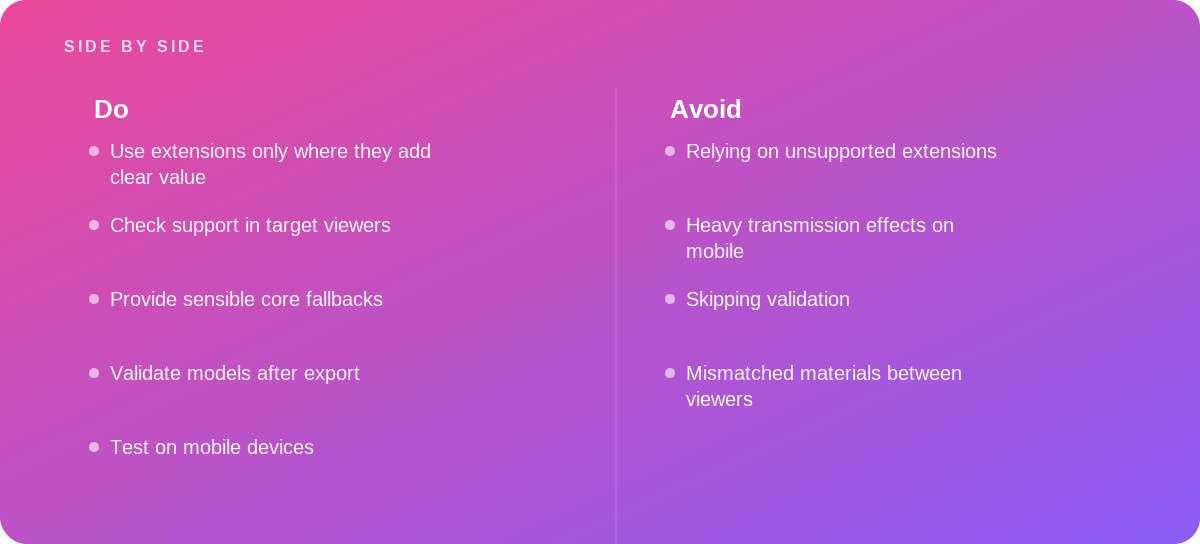
- Use extensions only where they add clear value
- Check support in target viewers
- Provide sensible core fallbacks
- Validate models after export
- Test on mobile devices
Where it goes wrong
Avoid:
- Relying on unsupported extensions
- Heavy transmission effects on mobile
- Skipping validation
- Mismatched materials between viewers
The numbers behind it
| Measure | Figure |
|---|---|
| Core materials | glTF 2.0 uses a metallic-roughness model |
| Extensions | add features such as clearcoat, transmission, sheen and volume |
| Registry | Khronos maintains a registry of extensions |
| Support | viewers differ in which extensions they render |
Getting outside help
When to hand it over: Bring in help when product models must look accurate across viewers.
Where this comes from
- Khronos Group — glTF Extension Registry
- Khronos Group — glTF 2.0 Specification
The figures and practices above come from the sources listed.
Working on something like this?
We take on 3D Design & Development work for teams who want it done once, properly. Tell us what you are building and we will tell you honestly whether we are the right studio for it. Start a project.
Where to go next
Spotted something wrong? Report an error on this page. We correct on the page and say what changed.