Geometry Compression for glTF: What Actually Works
Reducing the download size of 3D models for the web with glTF extensions such as Draco mesh compression, meshopt compression and mesh quantization.
 MediaScaleUp Editorial Team

Where most projects go wrong
The usual mistakes:
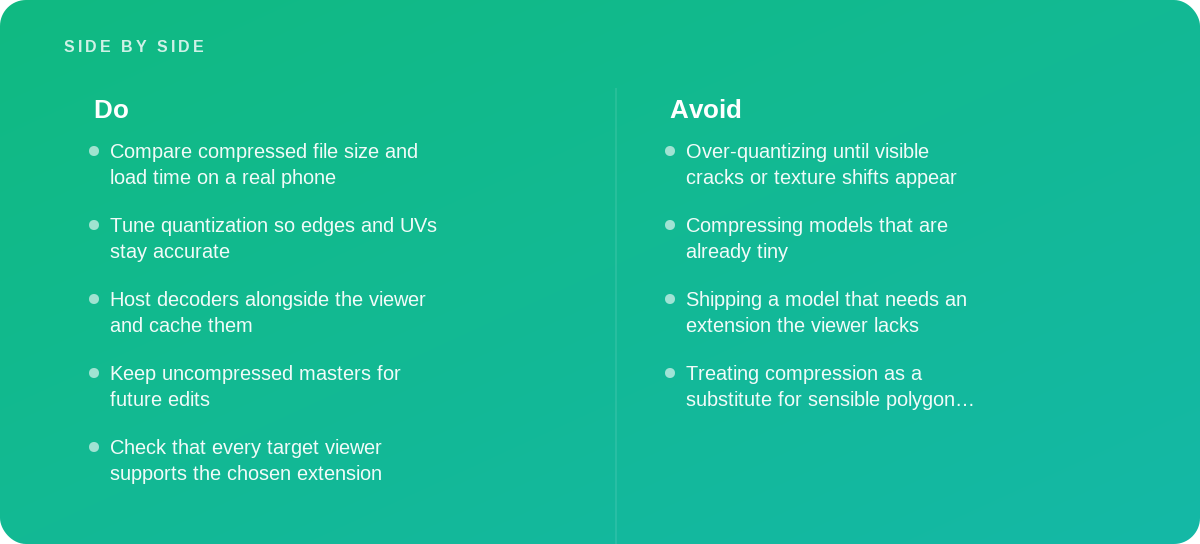
- Over-quantizing until visible cracks or texture shifts appear
- Compressing models that are already tiny
- Shipping a model that needs an extension the viewer lacks
- Treating compression as a substitute for sensible polygon counts
What good looks like instead
- Compare compressed file size and load time on a real phone
- Tune quantization so edges and UVs stay accurate
- Host decoders alongside the viewer and cache them
- Keep uncompressed masters for future edits
- Check that every target viewer supports the chosen extension
Why it matters
Geometry is often the largest part of a web 3D model, and compression can cut download size substantially at the cost of some decoding work on the device.
The specs that matter
| Measure | Figure |
|---|---|
| Draco | mesh compression added to glTF through KHR_draco_mesh_compression |
| meshopt | EXT_meshopt_compression, which also compresses animation and instancing data |
| Quantization | KHR_mesh_quantization stores vertex data with fewer bits |
| Decoders | viewers must load a decoder to read compressed meshes |
| Trade-off | smaller downloads in exchange for decoding time on the device |
Knowing when to hand it over
Tip: Bring in help when 3D product viewers load slowly, or when a large model library needs an automated optimization process.
Where this comes from
- Khronos Group — KHR_draco_mesh_compression extension
- Khronos Group — KHR_mesh_quantization extension
- Three.js — DRACOLoader documentation
The figures and practices above come from the sources listed.
Working on something like this?
We take on 3D Design & Development work for teams who want it done once, properly. Tell us what you are building and we will tell you honestly whether we are the right studio for it. Start a project.
Where to go next
Spotted something wrong? Report an error on this page. We correct on the page and say what changed.










