How to Get Level of Detail Systems Right
Showing simpler versions of a model as it gets farther from the camera, so large scenes keep a steady frame rate without visible loss of quality.
 MediaScaleUp Editorial Team

Why does it matter?
Distant objects drawn at full detail waste processing on pixels nobody can see, and level of detail is one of the main tools for keeping real-time scenes fast.
What are the numbers?
- Level of detail simpler versions of a model swapped in with distance
- Unity the LOD Group component switches meshes by screen size
- Unreal Engine can generate LODs automatically for static meshes
- Nanite Unreal Engine's virtualized geometry, which reduces the need for manual LODs
- Web Three.js provides an LOD object for switching meshes by distance
What should I do?
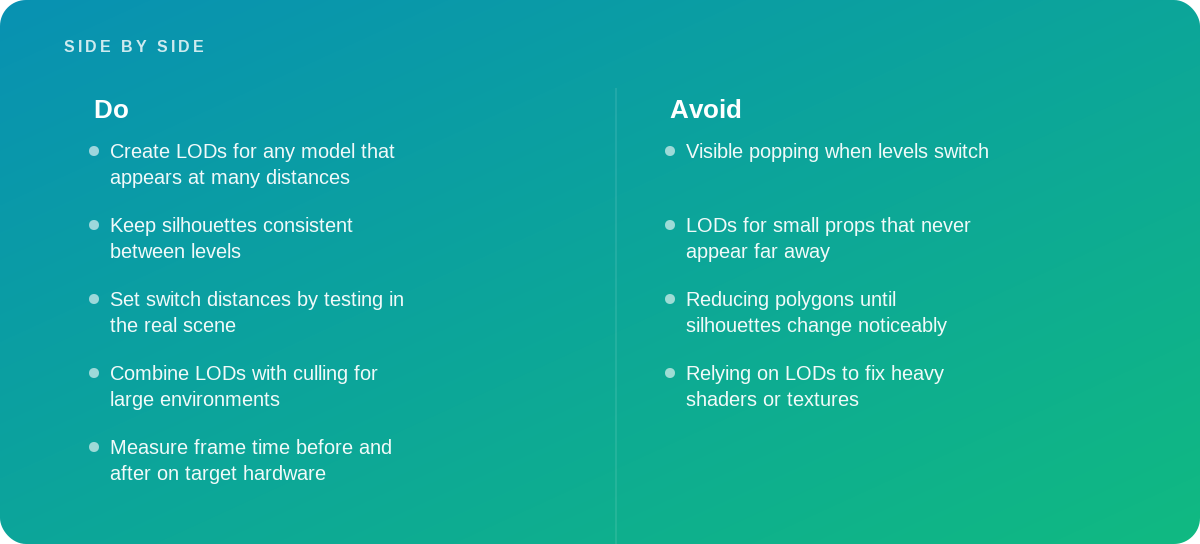
- Create LODs for any model that appears at many distances
- Keep silhouettes consistent between levels
- Set switch distances by testing in the real scene
- Combine LODs with culling for large environments
- Measure frame time before and after on target hardware
What should I avoid?
Avoid:
- Visible popping when levels switch
- LODs for small props that never appear far away
- Reducing polygons until silhouettes change noticeably
- Relying on LODs to fix heavy shaders or textures
When should I get help?
Short answer Bring in help when large real-time scenes drop frames, or when an environment must run across devices with very different performance.
Where this comes from
- Unity Documentation — LOD Group
- Unreal Engine Documentation — Nanite virtualized geometry
- Three.js — LOD documentation
The figures and practices above come from the sources listed.
Working on something like this?
We take on 3D Design & Development work for teams who want it done once, properly. Tell us what you are building and we will tell you honestly whether we are the right studio for it. Start a project.
Where to go next
Spotted something wrong? Report an error on this page. We correct on the page and say what changed.