Facial Rigging and Blend Shapes, Done Properly
Setting up facial expressions for 3D characters using blend shapes, also called shape keys or morph targets, and facial joints.
 MediaScaleUp Editorial Team

Where most projects go wrong
The usual mistakes:
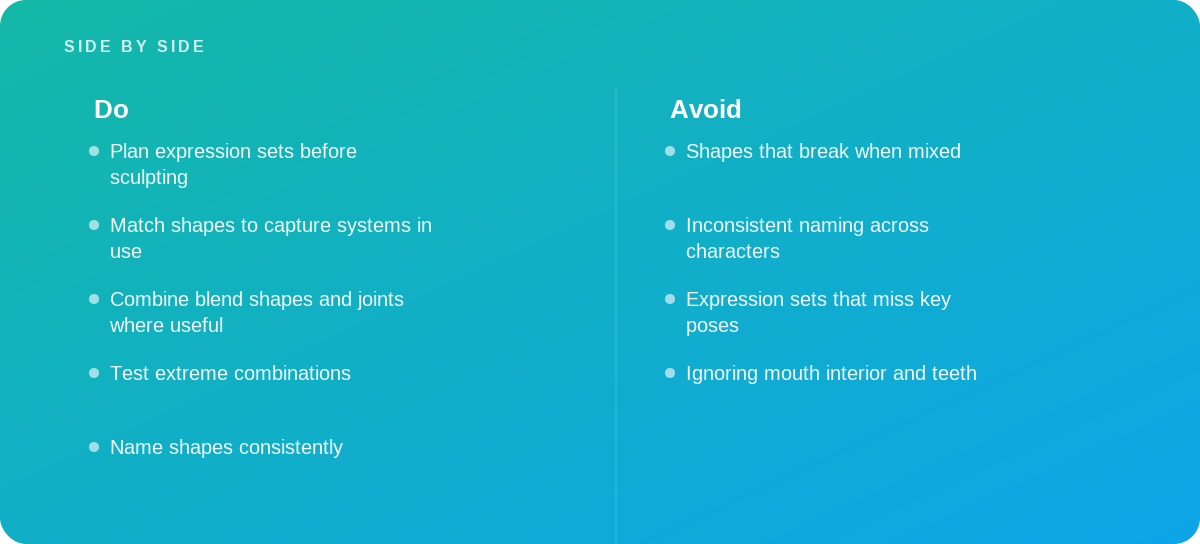
- Shapes that break when mixed
- Inconsistent naming across characters
- Expression sets that miss key poses
- Ignoring mouth interior and teeth
What good looks like instead
- Plan expression sets before sculpting
- Match shapes to capture systems in use
- Combine blend shapes and joints where useful
- Test extreme combinations
- Name shapes consistently
Why it matters
Faces carry emotion, and good facial rigs make animation and performance capture believable.
The specs that matter
| Measure | Figure |
|---|---|
| Blend shapes | store sculpted facial poses that can be mixed |
| Blender | calls blend shapes shape keys |
| ARKit | face tracking reports 52 blend shape coefficients |
| FACS | the Facial Action Coding System is a common basis for expression sets |
Knowing when to hand it over
Tip: Bring in help when characters need facial capture or lip sync.
Where this comes from
- Apple Developer — ARFaceAnchor.BlendShapeLocation
- Blender Foundation — Blender Manual: Shape Keys
The figures and practices above come from the sources listed.
Working on something like this?
We take on 3D Design & Development work for teams who want it done once, properly. Tell us what you are building and we will tell you honestly whether we are the right studio for it. Start a project.
Where to go next
Spotted something wrong? Report an error on this page. We correct on the page and say what changed.