Real-Time Ray Tracing: The Decisions That Matter
Tracing light rays in real time with GPU hardware support, for reflections, shadows and global illumination in games and visualization.
 MediaScaleUp Editorial Team
Why does it matter?
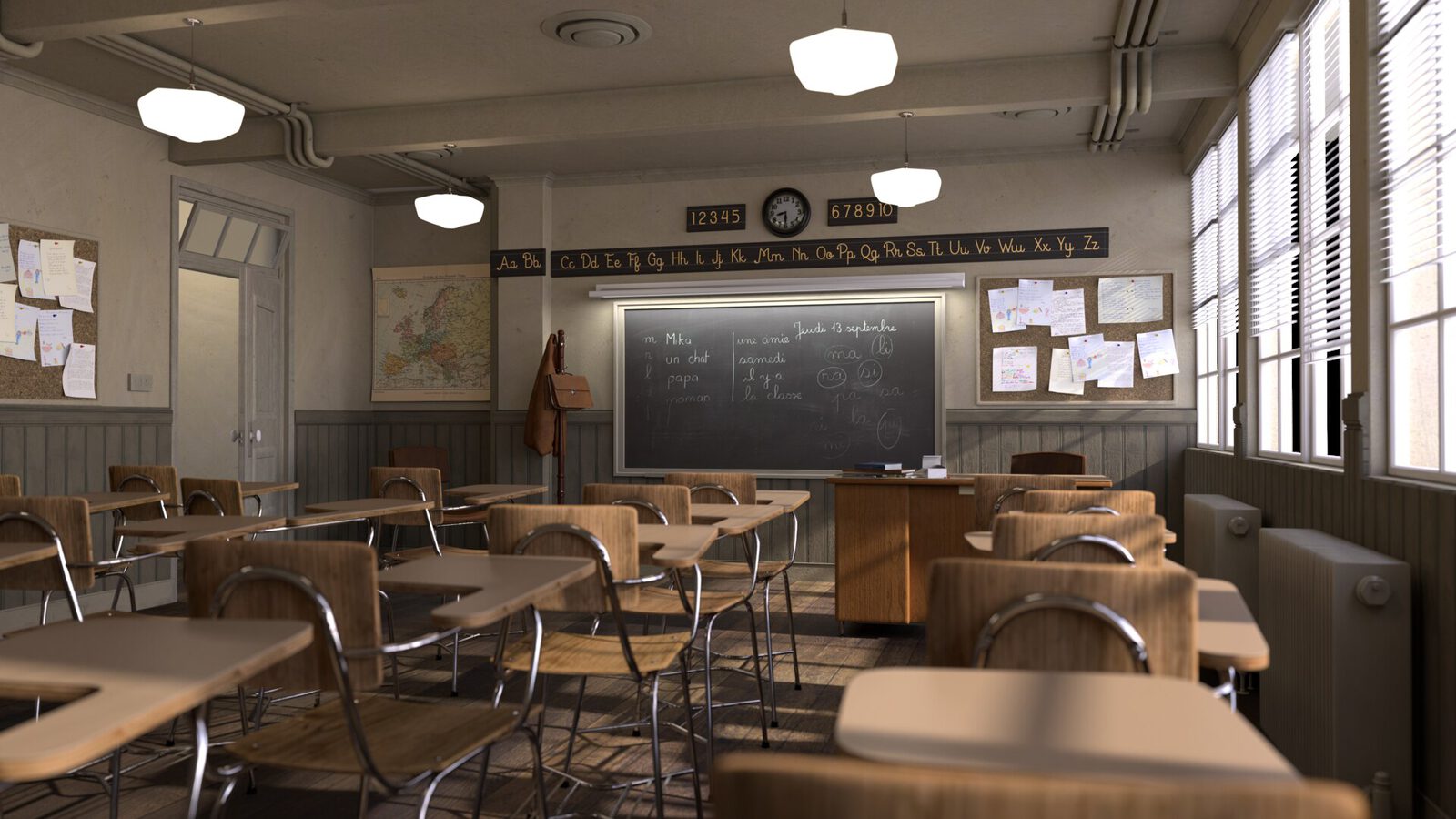
Ray tracing improves realism in interactive scenes, but it requires capable hardware and careful performance tuning.
What are the numbers?
- DirectX Raytracing Microsoft's API for ray tracing in DirectX 12
- Vulkan Khronos provides ray tracing extensions for Vulkan
- Hardware dedicated ray tracing cores accelerate calculations
- Upscaling and denoising are used to keep frame rates playable
What should I do?
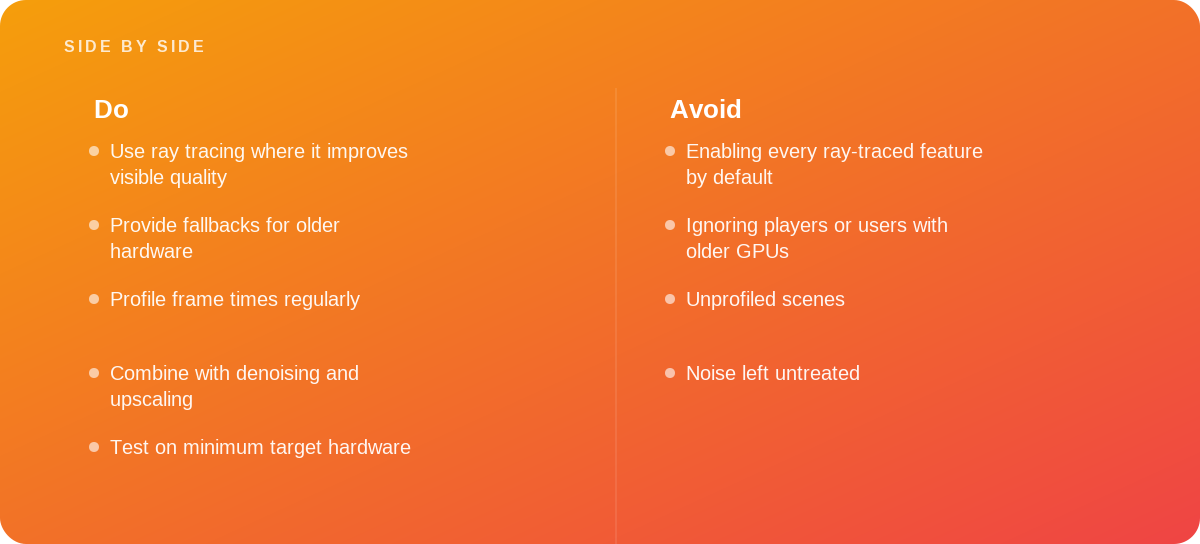
- Use ray tracing where it improves visible quality
- Provide fallbacks for older hardware
- Profile frame times regularly
- Combine with denoising and upscaling
- Test on minimum target hardware
What should I avoid?
Avoid:
- Enabling every ray-traced feature by default
- Ignoring players or users with older GPUs
- Unprofiled scenes
- Noise left untreated
When should I get help?
Short answer Bring in help when interactive visualization needs high realism.
Where this comes from
- Microsoft Learn — DirectX Raytracing (DXR) Functional Spec
- Khronos Group — Vulkan ray tracing
The figures and practices above come from the sources listed.
Working on something like this?
We take on 3D Design & Development work for teams who want it done once, properly. Tell us what you are building and we will tell you honestly whether we are the right studio for it. Start a project.
Where to go next
Spotted something wrong? Report an error on this page. We correct on the page and say what changed.