Unreal Engine for Visualization: The Decisions That Matter
Using Unreal Engine, a real-time game engine, for architectural visualization, product configurators, virtual production and interactive experiences.
 MediaScaleUp Editorial Team

At a glance
- Lumen Unreal Engine's real-time global illumination system
- Nanite virtualized geometry for highly detailed meshes
- Datasmith imports CAD and 3D scenes into Unreal
- Licensing Epic publishes licensing terms for different uses
Why it matters
Why it matters: Real-time rendering allows interactive walkthroughs and fast iteration, but it requires assets and lighting prepared for real-time performance.
Best practice
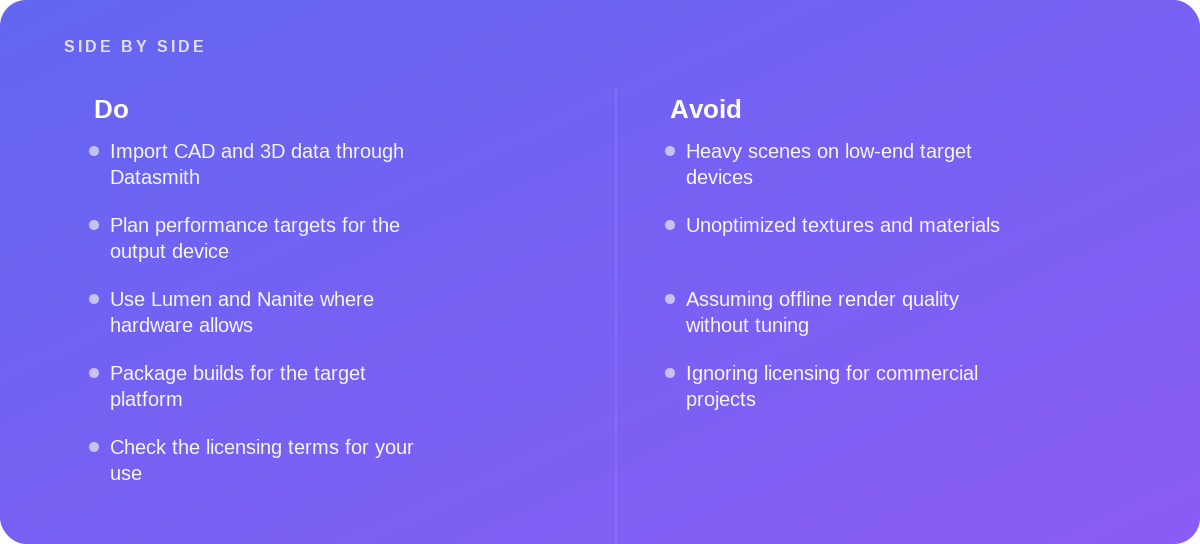
- Import CAD and 3D data through Datasmith
- Plan performance targets for the output device
- Use Lumen and Nanite where hardware allows
- Package builds for the target platform
- Check the licensing terms for your use
Common pitfalls
Watch out for:
- Heavy scenes on low-end target devices
- Unoptimized textures and materials
- Assuming offline render quality without tuning
- Ignoring licensing for commercial projects
When to call in a specialist
Bottom line Bring in help when building interactive walkthroughs or real-time product experiences.
Where this comes from
- Unreal Engine Documentation — Lumen global illumination and reflections
- Unreal Engine Documentation — Datasmith
The figures and practices above come from the sources listed.
Working on something like this?
We take on 3D Design & Development work for teams who want it done once, properly. Tell us what you are building and we will tell you honestly whether we are the right studio for it. Start a project.
Where to go next
Spotted something wrong? Report an error on this page. We correct on the page and say what changed.