Skip to content
3D Design & Development

A Practical Guide to OpenUSD

Universal Scene Description, an open framework originally developed by Pixar for describing, composing and exchanging complex 3D scenes between tools.

MediaScaleUp Editorial Team 2 min read 15 views

A Practical Guide to OpenUSD

What is at stake

USD is becoming a common interchange format across film, visualization and industrial 3D, supported by many major applications.

The playbook

  1. Use USD for exchange between supporting tools
  2. Organize scenes into layers by department or task
  3. Test interchange in every tool in the pipeline
  4. Use USDZ for Apple AR delivery
  5. Document naming and layer conventions

Where it goes wrong

Avoid:

  • Assuming every tool supports every USD feature
  • Flattening layers too early
  • Inconsistent naming across files
  • Ignoring material interchange differences
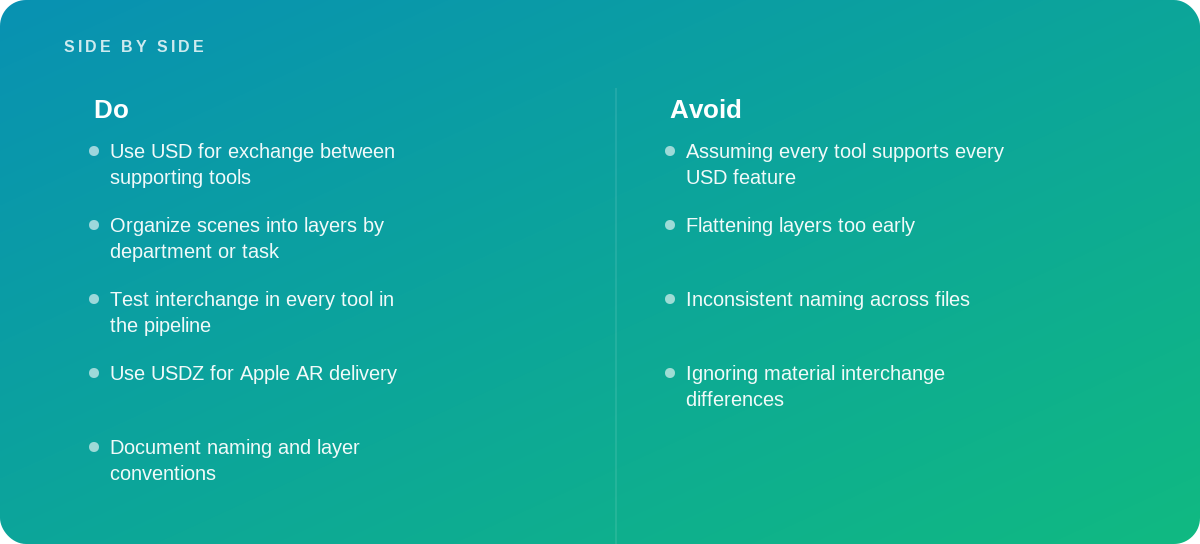
What to do and what to avoid with OpenUSD, side by side
Good practice against the usual mistakes, from the sources listed below.

The numbers behind it

Published figures for OpenUSD
MeasureFigure
Origindeveloped by Pixar
Governancethe Alliance for OpenUSD promotes standardization
Layersscenes can be composed from layers that override each other
USDZa packaged form used for AR on Apple platforms

Getting outside help

When to hand it over: Bring in help when building a multi-tool 3D pipeline or preparing AR assets.

Where this comes from

The figures and practices above come from the sources listed.

Working on something like this?

We take on 3D Design & Development work for teams who want it done once, properly. Tell us what you are building and we will tell you honestly whether we are the right studio for it. Start a project.

Where to go next

Spotted something wrong? Report an error on this page. We correct on the page and say what changed.


All services

The work behind this article, and what it costs.

See it in practice

All the work
Before: 3D Packaging Render: From Clay Model to Shelf-Ready Hair Oil Box
After: 3D Packaging Render: From Clay Model to Shelf-Ready Hair Oil Box
Clay model pass Final product render

3D Packaging Render: From Clay Model to Shelf-Ready Hair Oil Box

Hard-surface modeling, UV unwrapping, label and dieline artwork, glass and liquid shaders, studio lighting, Cycles render

Studio demo on a public-domain photo, not a client job

Packaging Modeling Beauty & Personal Care 3-5 days

Before: Architectural Exterior: Clay Massing to Photoreal Daylight Render
After: Architectural Exterior: Clay Massing to Photoreal Daylight Render
Clay massing study Final exterior render

Architectural Exterior: Clay Massing to Photoreal Daylight Render

Architectural modeling, timber and concrete materials, glass and water shaders, landscaping, sun-and-sky lighting, Cycles

Studio demo on a public-domain photo, not a client job

House & Building Modeling Real Estate & Architecture 5-7 days

Before: 3D Product Render: Clay Model to Finished Studio Shot
After: 3D Product Render: Clay Model to Finished Studio Shot
Clay render Final render

3D Product Render: Clay Model to Finished Studio Shot

Blender Cycles, PBR materials, custom thin-glass shader, HDRI plus key/fill/rim area lights, curved cyclorama, pedestal, depth of field, AgX color management

Studio demo on a public-domain photo, not a client job

Watch the video

Product Lighting E-commerce & Product 2-3 days

MediaScaleUp Editorial Team

Articles here are researched, written and checked by the MediaScaleUp studio team before they are published, and dated when they are reviewed.

Keep reading

More in 3D Design & Development










