3D File Formats and Interchange: The Decisions That Matter
Moving assets between applications without losing geometry, materials, rigs or scene structure.
 MediaScaleUp Editorial Team

At a glance
- Delivery format for the web glTF and GLB
- Film and interchange Alembic for cached geometry, USD for scene description
- Legacy interchange FBX and OBJ, each with known limitations
- OBJ geometry and basic materials only; no animation
- Alembic baked geometry caches rather than rigs
- USD layered, composable scene description
Why it matters
Why it matters: Interchange is where pipelines break, because every format carries a different subset of what an application knows about an asset.
Best practice
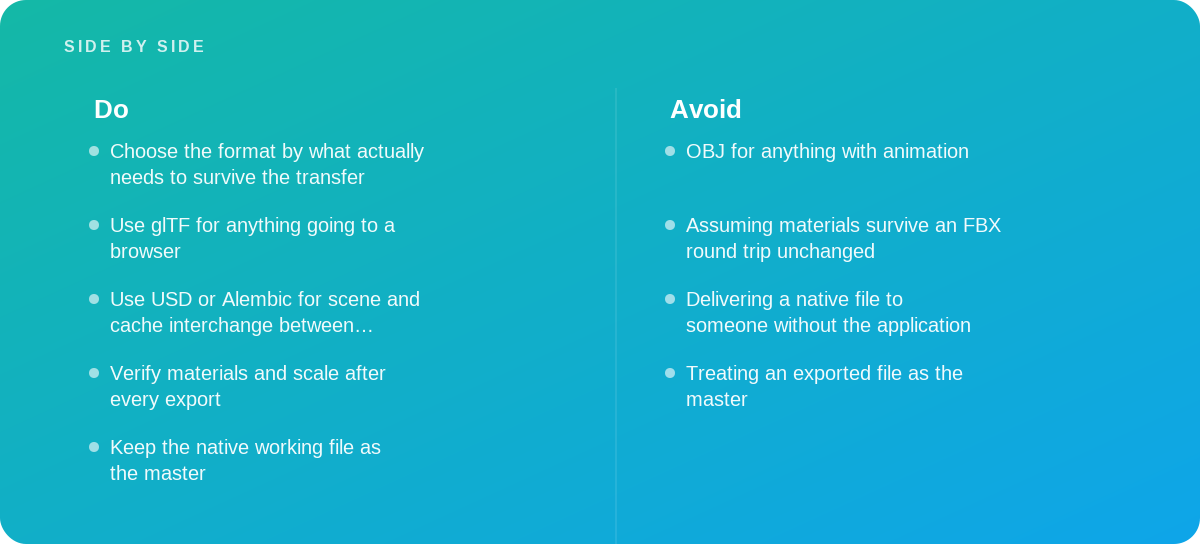
- Choose the format by what actually needs to survive the transfer
- Use glTF for anything going to a browser
- Use USD or Alembic for scene and cache interchange between applications
- Verify materials and scale after every export
- Keep the native working file as the master
Common pitfalls
Watch out for:
- OBJ for anything with animation
- Assuming materials survive an FBX round trip unchanged
- Delivering a native file to someone without the application
- Treating an exported file as the master
When to call in a specialist
Bottom line Bring in help when assets break moving between applications, when a pipeline spans several tools, or when archives must outlive the software that made them.
Where this comes from
- Khronos Group — glTF specification
- Academy Software Foundation — USD and Alembic
- Autodesk — FBX documentation
The figures and practices above come from the sources listed.
Working on something like this?
We take on 3D Design & Development work for teams who want it done once, properly. Tell us what you are building and we will tell you honestly whether we are the right studio for it. Start a project.
Where to go next
Spotted something wrong? Report an error on this page. We correct on the page and say what changed.











