How to Get Motion Capture and Cleanup Right
Recording real movement and transferring it onto a rigged character, then correcting the artifacts the capture introduces.
 MediaScaleUp Editorial Team

Why does it matter?
Capture gives realistic timing quickly and reliably produces data that needs cleaning — jitter, foot slide and retargeting errors are the norm rather than the exception.
What are the numbers?
- Capture types optical marker, inertial suit and markerless video
- Retargeting mapping captured motion onto a differently proportioned character
- Common artifacts jitter, foot sliding, interpenetration
- Data volume dense keyframes on every joint, which resist hand editing
- Cleanup effort routinely a substantial share of the total work
What should I do?
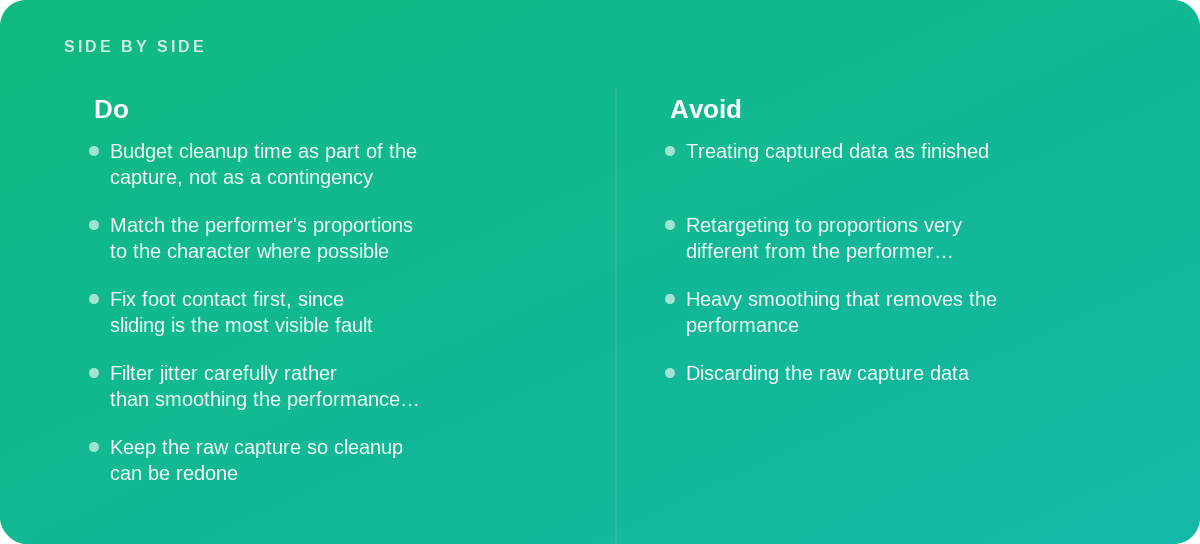
- Budget cleanup time as part of the capture, not as a contingency
- Match the performer's proportions to the character where possible
- Fix foot contact first, since sliding is the most visible fault
- Filter jitter carefully rather than smoothing the performance away
- Keep the raw capture so cleanup can be redone
What should I avoid?
Avoid:
- Treating captured data as finished
- Retargeting to proportions very different from the performer without correction
- Heavy smoothing that removes the performance
- Discarding the raw capture data
When should I get help?
Short answer Bring in help when captured data will not retarget cleanly, when a shoot cannot be repeated, or when cleanup volume exceeds the schedule.
Where this comes from
- Autodesk — Motion capture workflows
- Blender Foundation — Motion capture import and retargeting
- Academy Software Foundation — Animation data interchange
The figures and practices above come from the sources listed.
Working on something like this?
We take on 3D Design & Development work for teams who want it done once, properly. Tell us what you are building and we will tell you honestly whether we are the right studio for it. Start a project.
Where to go next
Spotted something wrong? Report an error on this page. We correct on the page and say what changed.