Camera Projection Mapping: What Actually Works
Projecting a painted or photographed image onto simple 3D geometry from a camera so it can be viewed with limited camera movement.
 Imogen Clarke

What is at stake
Projection turns a single image into a scene with parallax, used in matte painting and visual effects at a fraction of full 3D cost.
The playbook
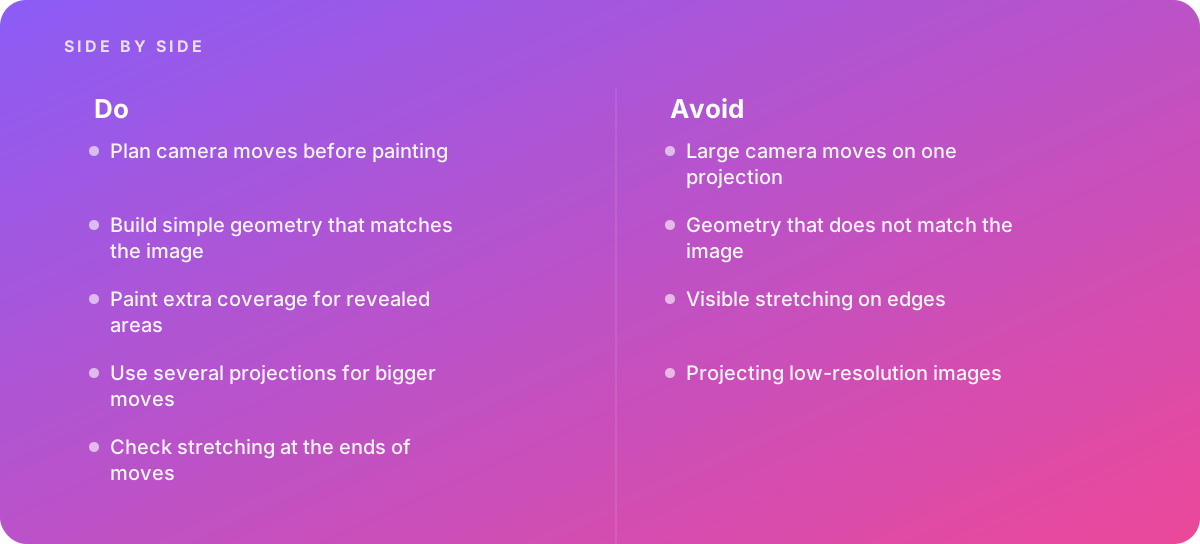
- Plan camera moves before painting
- Build simple geometry that matches the image
- Paint extra coverage for revealed areas
- Use several projections for bigger moves
- Check stretching at the ends of moves
Where it goes wrong
Avoid:
- Large camera moves on one projection
- Geometry that does not match the image
- Visible stretching on edges
- Projecting low-resolution images
The numbers behind it
| Measure | Figure |
|---|---|
| Projection | an image is mapped from the camera onto geometry |
| Limits | moving far from the projection camera reveals stretching |
| Nuke | includes 3D projection tools for compositing |
| Blender | the UV Project modifier can project textures from objects |
Getting outside help
When to hand it over: Bring in help when matte paintings must support camera movement.
Where this comes from
- Foundry — Nuke User Guide
- Blender Foundation — Blender Manual: UV Project modifier
The figures and practices above come from the sources listed.
Working on something like this?
We take on 3D Design & Development work for teams who want it done once, properly. Tell us what you are building and we will tell you honestly whether we are the right studio for it. Start a project.
Where to go next
Spotted something wrong? Report an error on this page. We correct on the page and say what changed.