Texel Density: What Actually Works
The amount of texture resolution applied per unit of surface area, kept consistent so assets look equally sharp side by side.
 Imogen Clarke

Where most projects go wrong
The usual mistakes:
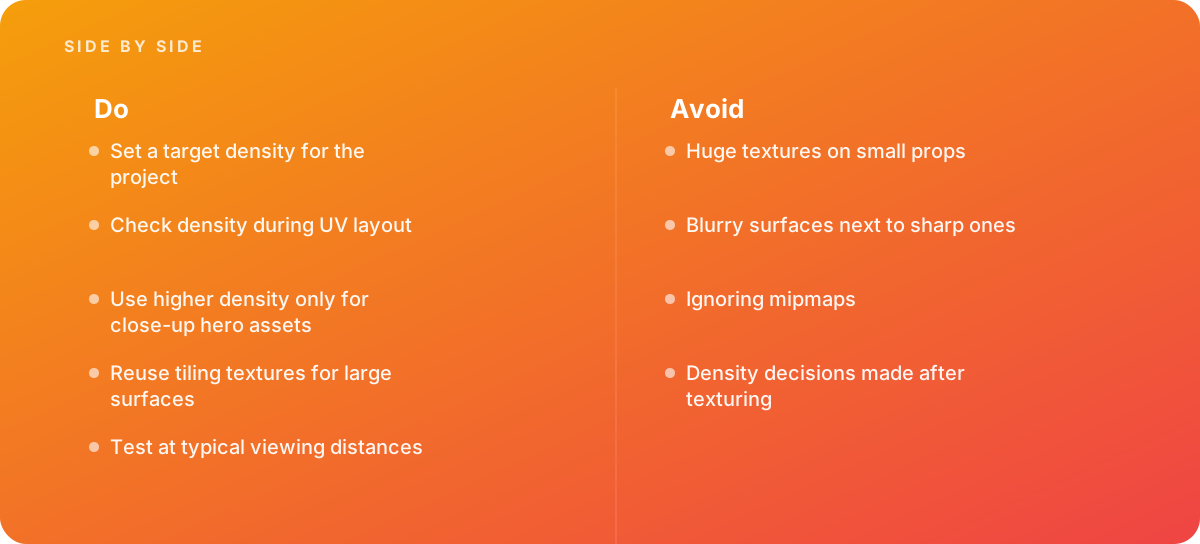
- Huge textures on small props
- Blurry surfaces next to sharp ones
- Ignoring mipmaps
- Density decisions made after texturing
What good looks like instead
- Set a target density for the project
- Check density during UV layout
- Use higher density only for close-up hero assets
- Reuse tiling textures for large surfaces
- Test at typical viewing distances
Why it matters
Inconsistent texel density makes some objects blurry and others crisp in the same scene, and it wastes texture memory.
The specs that matter
| Measure | Figure |
|---|---|
| Definition | texture pixels per unit of surface, such as pixels per meter |
| Consistency | matching density keeps sharpness even |
| Mipmaps | lower-resolution texture versions are used at distance |
| Budgets | real-time projects set density targets for memory |
Knowing when to hand it over
Tip: Bring in help when large asset sets look inconsistent in engine.
Where this comes from
- Unity Documentation — Mipmaps introduction
- Unreal Engine Documentation — Textures
The figures and practices above come from the sources listed.
Working on something like this?
We take on 3D Design & Development work for teams who want it done once, properly. Tell us what you are building and we will tell you honestly whether we are the right studio for it. Start a project.
Where to go next
Spotted something wrong? Report an error on this page. We correct on the page and say what changed.