Naming Conventions for 3D Assets: What Actually Works
Consistent rules for naming objects, materials, textures and files across a 3D project.
 MediaScaleUp Editorial Team

At a glance
- Engine conventions some engines use name prefixes to identify collision or level of detail meshes
- Texture suffixes map types are usually identified by suffixes
- Sorting consistent names sort predictably
- Automation scripts rely on predictable names
Why it matters
Why it matters: Engines and export scripts depend on names, and inconsistent naming breaks automation and confuses teams.
Best practice
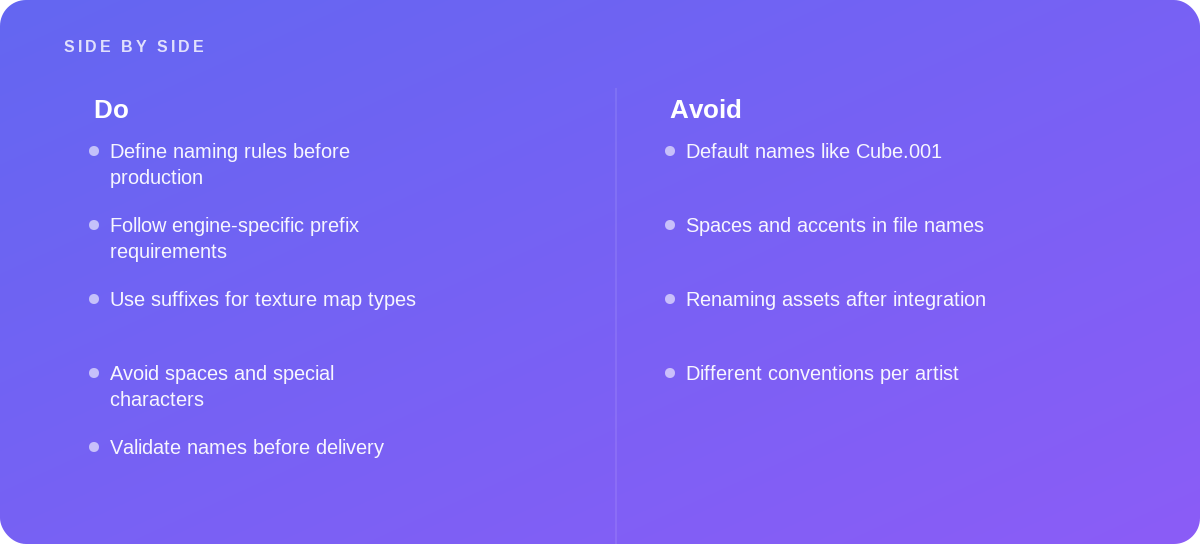
- Define naming rules before production
- Follow engine-specific prefix requirements
- Use suffixes for texture map types
- Avoid spaces and special characters
- Validate names before delivery
Common pitfalls
Watch out for:
- Default names like Cube.001
- Spaces and accents in file names
- Renaming assets after integration
- Different conventions per artist
When to call in a specialist
Bottom line Bring in help when asset libraries grow beyond a few dozen files.
Where this comes from
- Unreal Engine Documentation — FBX Static Mesh Pipeline
- Unity Documentation — Importing models
The figures and practices above come from the sources listed.
Working on something like this?
We take on 3D Design & Development work for teams who want it done once, properly. Tell us what you are building and we will tell you honestly whether we are the right studio for it. Start a project.
Where to go next
Spotted something wrong? Report an error on this page. We correct on the page and say what changed.











