Validating 3D Assets: The Decisions That Matter
Checking 3D files for errors in structure, scale, materials and textures before they reach viewers, engines or clients.
 Imogen Clarke

What is at stake
Invalid files can fail to load or render incorrectly, and validation catches problems before users do.
The playbook
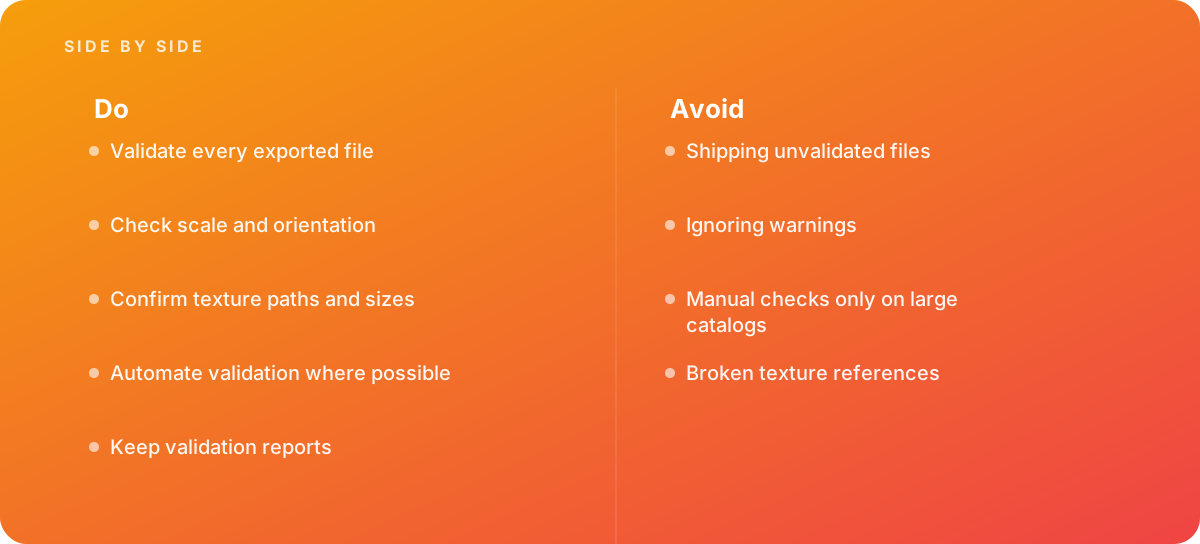
- Validate every exported file
- Check scale and orientation
- Confirm texture paths and sizes
- Automate validation where possible
- Keep validation reports
Where it goes wrong
Avoid:
- Shipping unvalidated files
- Ignoring warnings
- Manual checks only on large catalogs
- Broken texture references
The numbers behind it
| Measure | Figure |
|---|---|
| glTF Validator | Khronos provides a validator for glTF files |
| usdchecker | OpenUSD includes a tool for checking USD files |
| Common issues | missing textures, wrong scale and invalid normals |
| Automation | validation can run in build pipelines |
Getting outside help
When to hand it over: Bring in help when delivering large sets of 3D assets.
Where this comes from
- Khronos Group — glTF Validator
- Alliance for OpenUSD — OpenUSD
The figures and practices above come from the sources listed.
Working on something like this?
We take on 3D Design & Development work for teams who want it done once, properly. Tell us what you are building and we will tell you honestly whether we are the right studio for it. Start a project.
Where to go next
Spotted something wrong? Report an error on this page. We correct on the page and say what changed.