Draw Calls and Batching, Done Properly
The number of instructions the CPU sends to the GPU to draw objects, and the techniques used to reduce them.
 Imogen Clarke

Why does it matter?
Too many draw calls bottleneck real-time scenes, especially on mobile and web, even when polygon counts are low.
What are the numbers?
- Draw calls each separate draw has CPU overhead
- Batching combines meshes that share materials
- Instancing draws many copies of a mesh in one call
- Texture atlases let different objects share one material
What should I do?
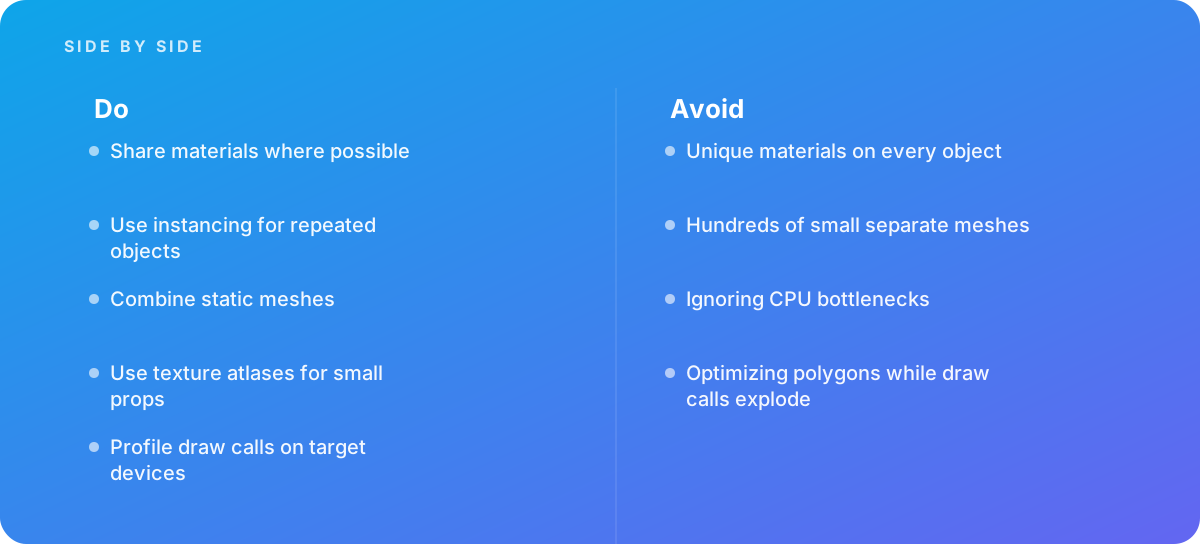
- Share materials where possible
- Use instancing for repeated objects
- Combine static meshes
- Use texture atlases for small props
- Profile draw calls on target devices
What should I avoid?
Avoid:
- Unique materials on every object
- Hundreds of small separate meshes
- Ignoring CPU bottlenecks
- Optimizing polygons while draw calls explode
When should I get help?
Short answer Bring in help when real-time scenes stutter on mobile or web.
Where this comes from
- Unity Documentation — Draw call batching
- Three.js — InstancedMesh
The figures and practices above come from the sources listed.
Working on something like this?
We take on 3D Design & Development work for teams who want it done once, properly. Tell us what you are building and we will tell you honestly whether we are the right studio for it. Start a project.
Where to go next
Spotted something wrong? Report an error on this page. We correct on the page and say what changed.