GPU Memory Limits in Rendering: What Actually Works
The video memory constraint that decides whether a scene can render on the GPU at all.
 MediaScaleUp Editorial Team
Why does it matter?
GPU rendering is fast until a scene exceeds memory, at which point it slows dramatically or fails.
What are the numbers?
- Textures usually consume most GPU memory
- Out-of-core rendering some renderers can use system memory at a speed cost
- Instances share geometry and save memory
- Monitoring renderers report memory use during rendering
What should I do?
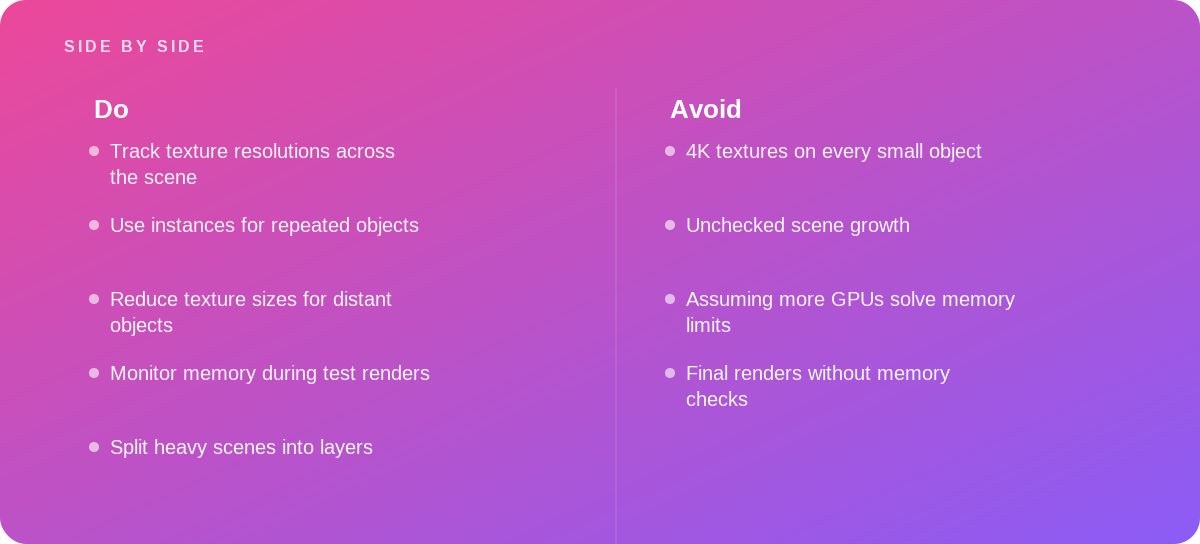
- Track texture resolutions across the scene
- Use instances for repeated objects
- Reduce texture sizes for distant objects
- Monitor memory during test renders
- Split heavy scenes into layers
What should I avoid?
Avoid:
- 4K textures on every small object
- Unchecked scene growth
- Assuming more GPUs solve memory limits
- Final renders without memory checks
When should I get help?
Short answer Bring in help when renders fail on complex scenes.
Where this comes from
- Blender Foundation — Blender Manual: GPU rendering
- NVIDIA Developer — Rendering
The figures and practices above come from the sources listed.
Working on something like this?
We take on 3D Design & Development work for teams who want it done once, properly. Tell us what you are building and we will tell you honestly whether we are the right studio for it. Start a project.
Where to go next
Spotted something wrong? Report an error on this page. We correct on the page and say what changed.