How to Get Embedding 3D Models on Web Pages Right
Putting interactive 3D models into web pages, usually with glTF files and a viewer component.
 MediaScaleUp Editorial Team

At a glance
- glTF the common delivery format for web 3D
- Viewers web components can display models with minimal code
- File size compressed geometry and textures keep loads reasonable
- Fallbacks static images are needed when 3D cannot load
Why it matters
Why it matters: Interactive models help buyers understand products, but they must load quickly and work on phones.
Best practice
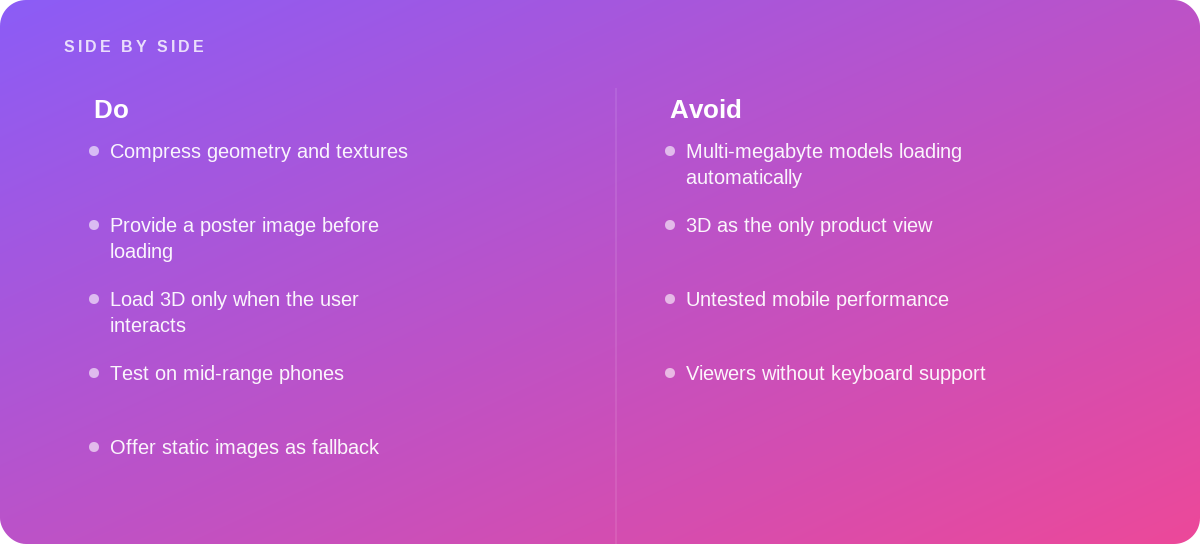
- Compress geometry and textures
- Provide a poster image before loading
- Load 3D only when the user interacts
- Test on mid-range phones
- Offer static images as fallback
Common pitfalls
Watch out for:
- Multi-megabyte models loading automatically
- 3D as the only product view
- Untested mobile performance
- Viewers without keyboard support
When to call in a specialist
Bottom line Bring in help when product pages add 3D views.
Where this comes from
- Khronos Group — glTF 2.0 Specification
- web.dev — Performance
The figures and practices above come from the sources listed.
Working on something like this?
We take on 3D Design & Development work for teams who want it done once, properly. Tell us what you are building and we will tell you honestly whether we are the right studio for it. Start a project.
Where to go next
Spotted something wrong? Report an error on this page. We correct on the page and say what changed.