A Practical Guide to 3D Training Simulations
Interactive 3D environments used to train people on procedures, equipment and hazards.
 MediaScaleUp Editorial Team

At a glance
- Fidelity the level of realism should match the learning objective
- Assessment simulations can record performance
- Hardware headsets and devices affect accessibility and cost
- Motion comfort poorly designed movement causes discomfort
Why it matters
Why it matters: Simulation lets people practice dangerous or expensive procedures safely, but fidelity and assessment need planning.
Best practice
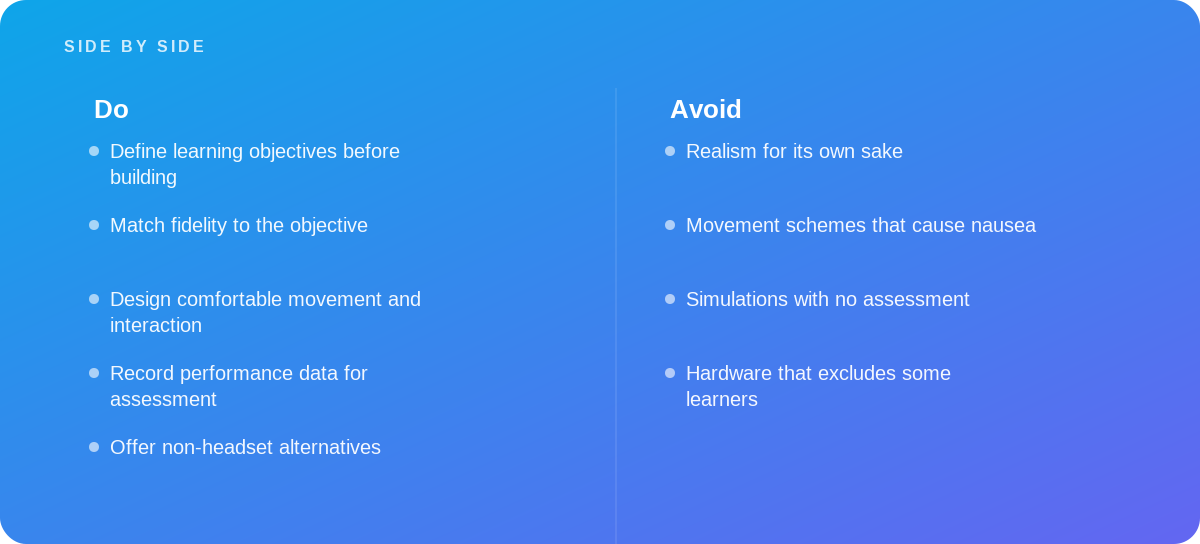
- Define learning objectives before building
- Match fidelity to the objective
- Design comfortable movement and interaction
- Record performance data for assessment
- Offer non-headset alternatives
Common pitfalls
Watch out for:
- Realism for its own sake
- Movement schemes that cause nausea
- Simulations with no assessment
- Hardware that excludes some learners
When to call in a specialist
Bottom line Bring in help when training moves into simulation.
Where this comes from
- Unreal Engine Documentation — XR development
- Occupational Safety and Health Administration — Training requirements
The figures and practices above come from the sources listed.
Working on something like this?
We take on 3D Design & Development work for teams who want it done once, properly. Tell us what you are building and we will tell you honestly whether we are the right studio for it. Start a project.
Where to go next
Spotted something wrong? Report an error on this page. We correct on the page and say what changed.