Simulation and Dynamics, Done Properly
Using physics solvers for cloth, hair, fluid, smoke and rigid bodies rather than animating those things by hand.
 MediaScaleUp Editorial Team

What is at stake
Simulation produces motion nobody could keyframe convincingly, and it costs computation, caching and a degree of unpredictability in return.
The playbook
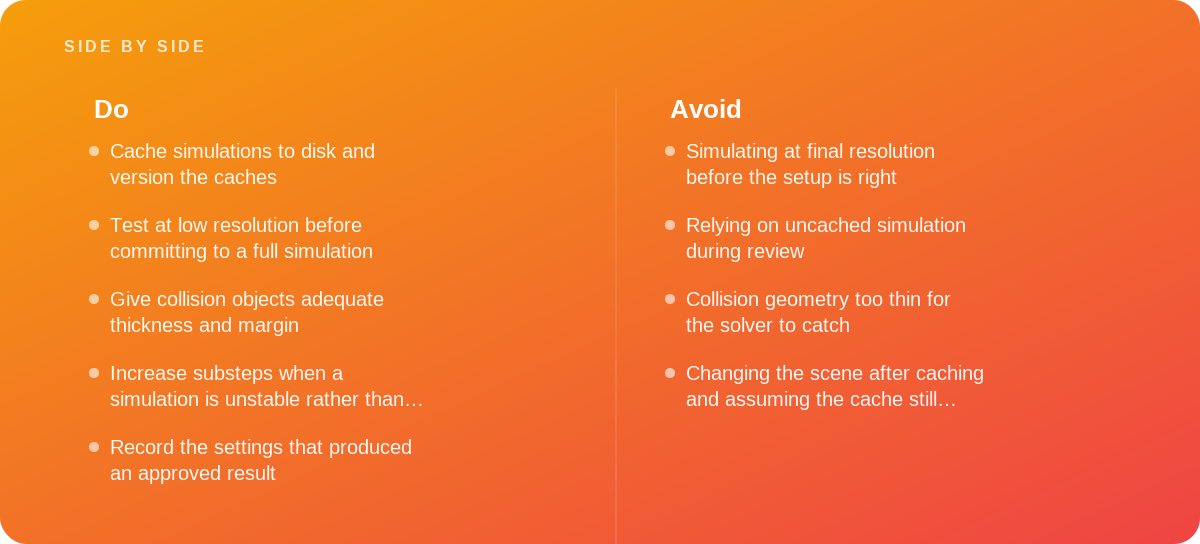
- Cache simulations to disk and version the caches
- Test at low resolution before committing to a full simulation
- Give collision objects adequate thickness and margin
- Increase substeps when a simulation is unstable rather than fighting other settings
- Record the settings that produced an approved result
Where it goes wrong
Avoid:
- Simulating at final resolution before the setup is right
- Relying on uncached simulation during review
- Collision geometry too thin for the solver to catch
- Changing the scene after caching and assuming the cache still applies
The numbers behind it
| Measure | Figure |
|---|---|
| Common systems | cloth, hair, rigid body, soft body, fluid, smoke and fire |
| Caching | results written to disk so playback is not recomputed |
| Substeps | more substeps improve stability and cost time |
| Determinism | results depend on the exact scene state and settings |
| Collision | most simulation problems are collision setup problems |
Getting outside help
When to hand it over: Bring in help when simulations will not stabilize, when cache sizes have become unmanageable, or when a shot requires several interacting simulations.
Where this comes from
- Blender Foundation — Physics simulation
- Autodesk — Dynamics documentation
- Academy Software Foundation — Simulation caching standards
The figures and practices above come from the sources listed.
Working on something like this?
We take on 3D Design & Development work for teams who want it done once, properly. Tell us what you are building and we will tell you honestly whether we are the right studio for it. Start a project.
Where to go next
Spotted something wrong? Report an error on this page. We correct on the page and say what changed.