Procedural Modeling, Done Properly
Building geometry from rules and parameters rather than by hand, so variation and revision are a matter of changing inputs.
 MediaScaleUp Editorial Team

What is at stake
Where a project needs many variants of a similar thing, procedural construction turns a linear amount of work into a one-off setup cost.
The playbook
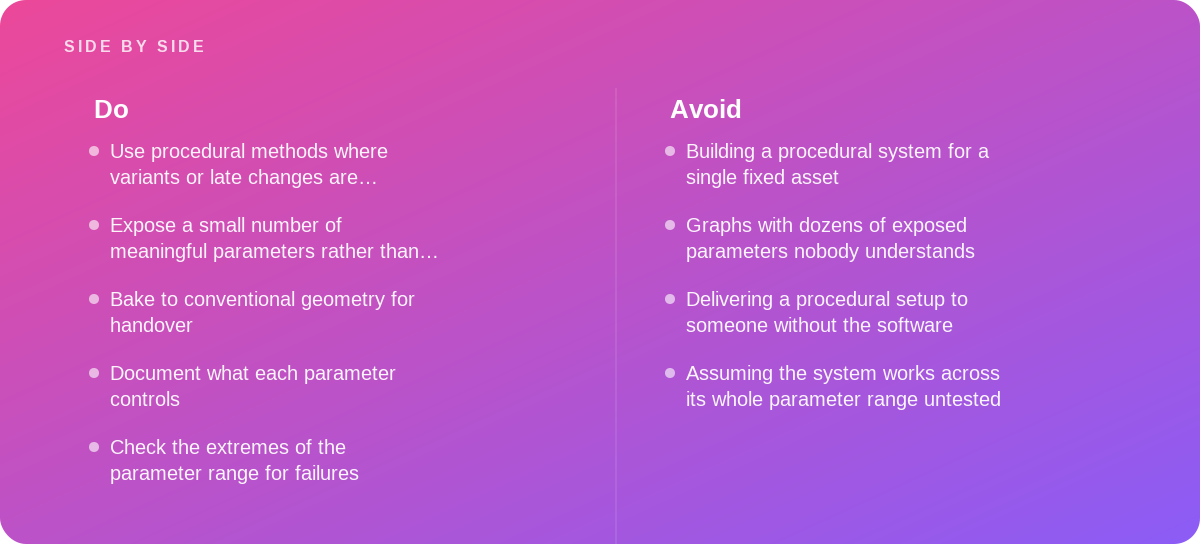
- Use procedural methods where variants or late changes are likely
- Expose a small number of meaningful parameters rather than everything
- Bake to conventional geometry for handover
- Document what each parameter controls
- Check the extremes of the parameter range for failures
Where it goes wrong
Avoid:
- Building a procedural system for a single fixed asset
- Graphs with dozens of exposed parameters nobody understands
- Delivering a procedural setup to someone without the software
- Assuming the system works across its whole parameter range untested
The numbers behind it
| Measure | Figure |
|---|---|
| Approach | node graphs or scripts producing geometry from parameters |
| Strength | variation, iteration and late changes |
| Cost | higher setup effort before the first result |
| Break-even | depends on the number of variants needed |
| Output | usually baked to conventional geometry for delivery |
Getting outside help
When to hand it over: Bring in help when many variants are needed, when late design changes are likely, or when an existing procedural setup has become unmaintainable.
Where this comes from
- Blender Foundation — Geometry nodes
- Autodesk — Procedural modeling documentation
- Academy Software Foundation — Procedural pipeline standards
The figures and practices above come from the sources listed.
Working on something like this?
We take on 3D Design & Development work for teams who want it done once, properly. Tell us what you are building and we will tell you honestly whether we are the right studio for it. Start a project.
Where to go next
Spotted something wrong? Report an error on this page. We correct on the page and say what changed.