A Practical Guide to Blender Eevee
Blender's real-time render engine, which produces fast previews and stylized or near-realistic renders using rasterization and screen-space techniques.
 MediaScaleUp Editorial Team

Why does it matter?
Eevee renders far faster than path tracing, which suits animation, motion graphics and previews, but it approximates lighting.
What are the numbers?
- Type real-time rasterization engine
- Blender 4.2 introduced a major Eevee rewrite, called EEVEE Next during development
- Compared with Cycles faster but with approximated global illumination
- Uses previews, stylized work and fast animation
What should I do?
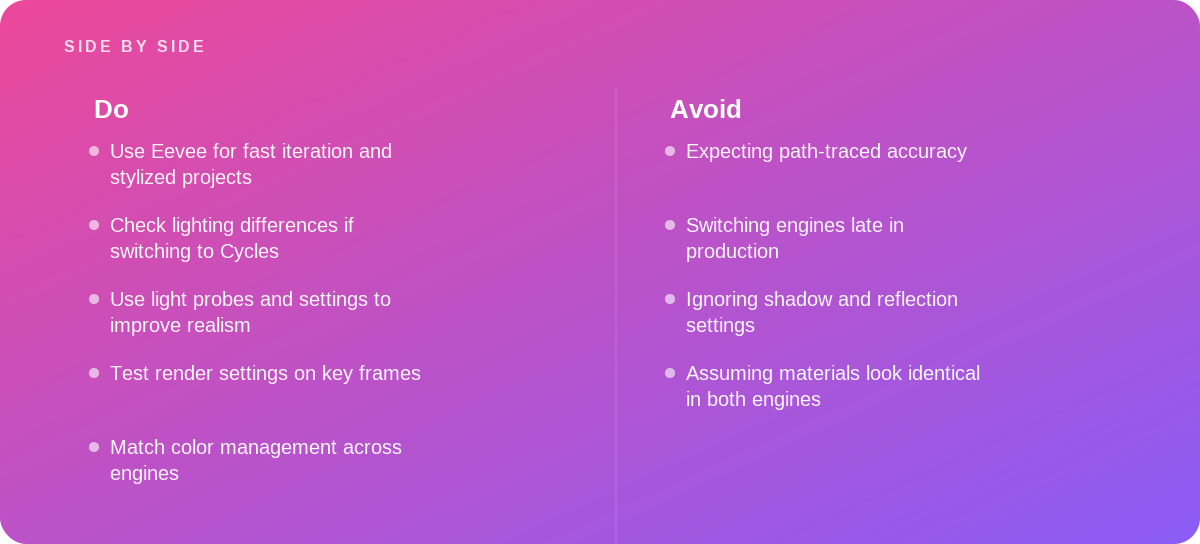
- Use Eevee for fast iteration and stylized projects
- Check lighting differences if switching to Cycles
- Use light probes and settings to improve realism
- Test render settings on key frames
- Match color management across engines
What should I avoid?
Avoid:
- Expecting path-traced accuracy
- Switching engines late in production
- Ignoring shadow and reflection settings
- Assuming materials look identical in both engines
When should I get help?
Short answer Bring in help when choosing a render engine for animation or tight deadlines.
Where this comes from
- Blender Foundation — Blender manual: EEVEE
- Blender Foundation — Blender manual: Cycles
The figures and practices above come from the sources listed.
Working on something like this?
We take on 3D Design & Development work for teams who want it done once, properly. Tell us what you are building and we will tell you honestly whether we are the right studio for it. Start a project.
Where to go next
Spotted something wrong? Report an error on this page. We correct on the page and say what changed.