Anti-Aliasing in Real-Time 3D, Done Properly
Techniques that smooth jagged edges in real-time rendering, such as MSAA, FXAA and TAA.
 Imogen Clarke

At a glance
- MSAA samples geometry edges multiple times
- FXAA a fast post-process filter that can soften detail
- TAA uses previous frames and can cause ghosting
- WebGL contexts can request anti-aliasing when created
Why it matters
Why it matters: Jagged edges make 3D look cheap, but each anti-aliasing method trades quality, sharpness and performance differently.
Best practice
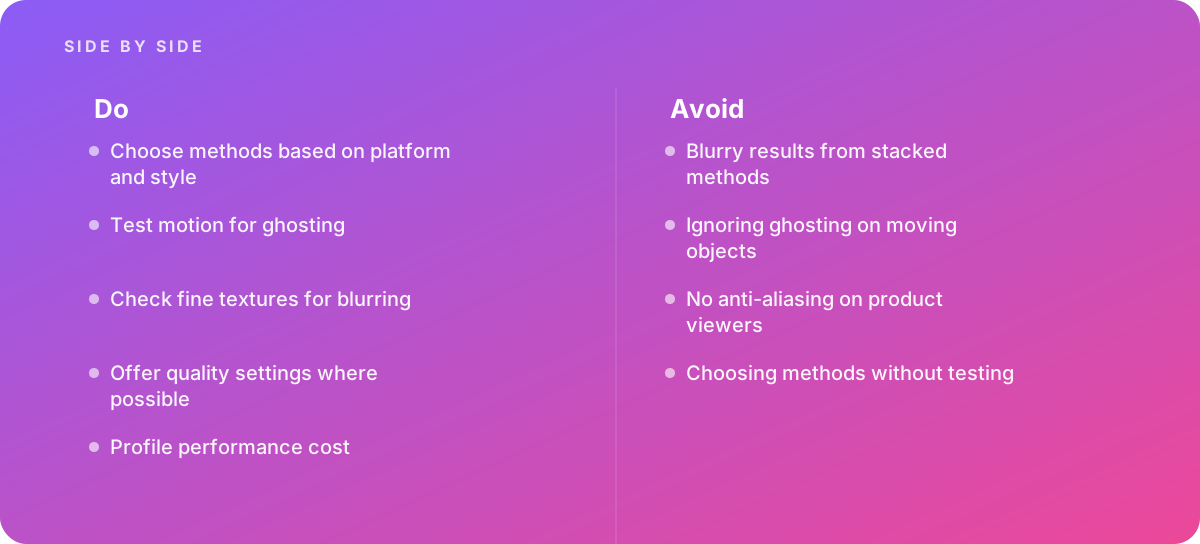
- Choose methods based on platform and style
- Test motion for ghosting
- Check fine textures for blurring
- Offer quality settings where possible
- Profile performance cost
Common pitfalls
Watch out for:
- Blurry results from stacked methods
- Ignoring ghosting on moving objects
- No anti-aliasing on product viewers
- Choosing methods without testing
When to call in a specialist
Bottom line Bring in help when real-time visuals look jagged or blurry.
Where this comes from
- Unity Documentation — Anti-aliasing
- Three.js — WebGLRenderer
The figures and practices above come from the sources listed.
Working on something like this?
We take on 3D Design & Development work for teams who want it done once, properly. Tell us what you are building and we will tell you honestly whether we are the right studio for it. Start a project.
Where to go next
Spotted something wrong? Report an error on this page. We correct on the page and say what changed.