A Practical Guide to Three.js
A widely used JavaScript library for rendering 3D graphics in web browsers with WebGL and WebGPU.
 MediaScaleUp Editorial Team

Where most projects go wrong
The usual mistakes:
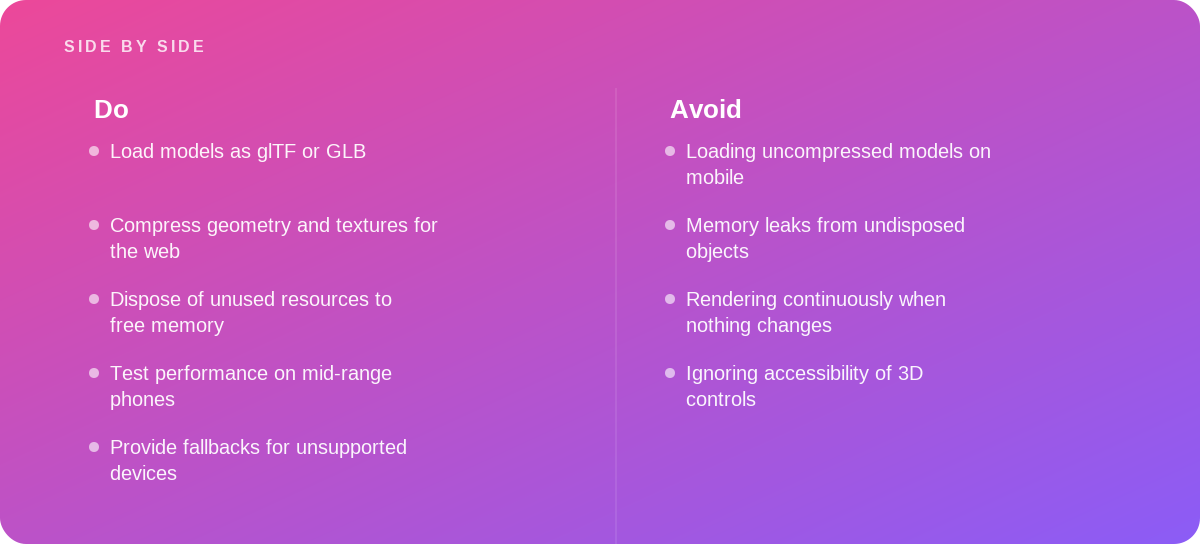
- Loading uncompressed models on mobile
- Memory leaks from undisposed objects
- Rendering continuously when nothing changes
- Ignoring accessibility of 3D controls
What good looks like instead
- Load models as glTF or GLB
- Compress geometry and textures for the web
- Dispose of unused resources to free memory
- Test performance on mid-range phones
- Provide fallbacks for unsupported devices
Why it matters
Three.js powers many product viewers, configurators and interactive 3D websites, and it abstracts much of the complexity of browser graphics.
The specs that matter
| Measure | Figure |
|---|---|
| Renderers | WebGL and WebGPU |
| Formats | glTF is the recommended format for loading models |
| Loaders | include GLTFLoader, DRACOLoader and KTX2Loader |
| License | MIT |
Knowing when to hand it over
Tip: Bring in help when building 3D configurators or interactive product viewers for the web.
Where this comes from
- Three.js — Documentation
- Khronos Group — glTF
The figures and practices above come from the sources listed.
Working on something like this?
We take on 3D Design & Development work for teams who want it done once, properly. Tell us what you are building and we will tell you honestly whether we are the right studio for it. Start a project.
Where to go next
Spotted something wrong? Report an error on this page. We correct on the page and say what changed.