A Practical Guide to Rendering for Print
Producing 3D renders destined for printed materials such as packaging, brochures and large format displays.
 MediaScaleUp Editorial Team

At a glance
- Resolution print resolution depends on final size and viewing distance
- Color space renders must convert to the press profile
- Bleed printed layouts need image area beyond the trim
- File formats print workflows often need TIFF or layered files
Why it matters
Why it matters: Print needs far more resolution than screen, and color must be converted for press rather than sRGB.
Best practice
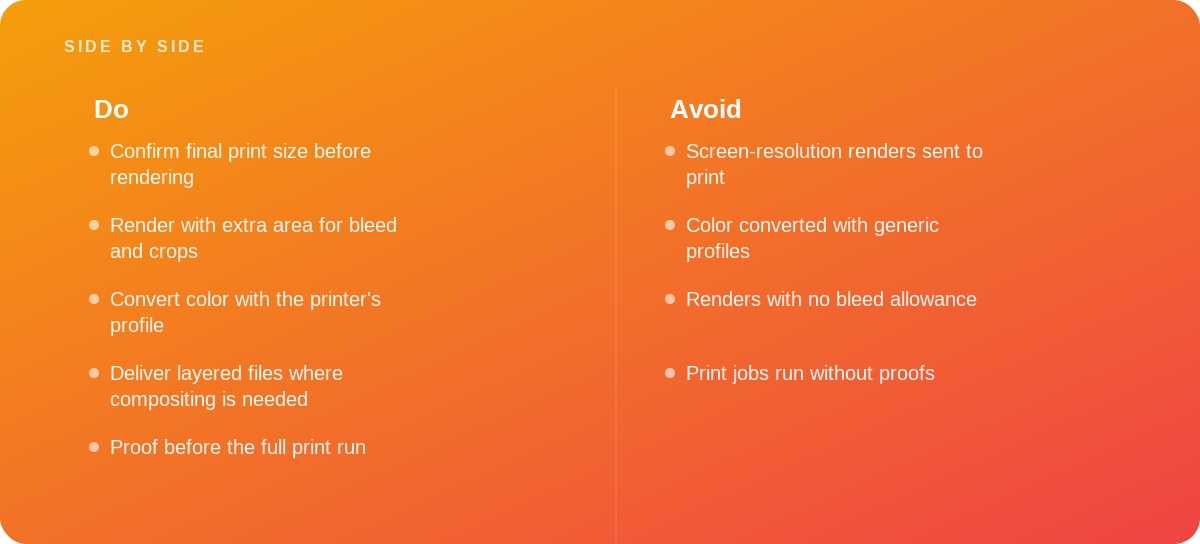
- Confirm final print size before rendering
- Render with extra area for bleed and crops
- Convert color with the printer's profile
- Deliver layered files where compositing is needed
- Proof before the full print run
Common pitfalls
Watch out for:
- Screen-resolution renders sent to print
- Color converted with generic profiles
- Renders with no bleed allowance
- Print jobs run without proofs
When to call in a specialist
Bottom line Bring in help when renders appear on packaging or displays.
Where this comes from
- International Color Consortium — Color management
- Adobe Help Center — Photoshop User Guide
The figures and practices above come from the sources listed.
Working on something like this?
We take on 3D Design & Development work for teams who want it done once, properly. Tell us what you are building and we will tell you honestly whether we are the right studio for it. Start a project.
Where to go next
Spotted something wrong? Report an error on this page. We correct on the page and say what changed.