A Practical Guide to Planning a 3D Product Library
Building a reusable library of product models that supports imagery, configurators and augmented reality.
 MediaScaleUp Editorial Team

What is at stake
One model can serve many outputs, but only if it is built and organized with those outputs in mind.
The playbook
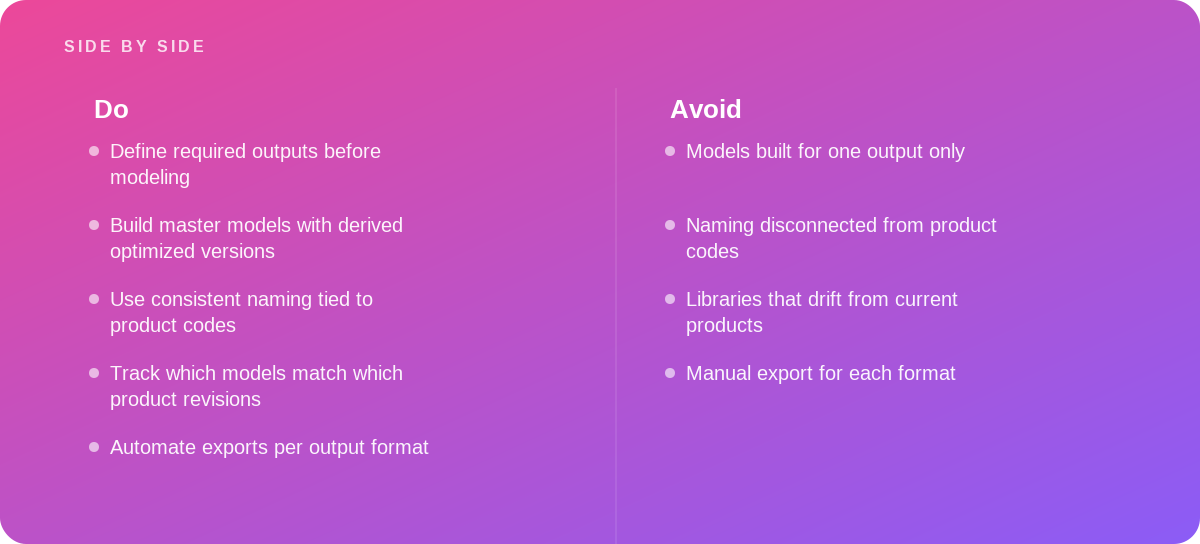
- Define required outputs before modeling
- Build master models with derived optimized versions
- Use consistent naming tied to product codes
- Track which models match which product revisions
- Automate exports per output format
Where it goes wrong
Avoid:
- Models built for one output only
- Naming disconnected from product codes
- Libraries that drift from current products
- Manual export for each format
The numbers behind it
| Measure | Figure |
|---|---|
| Detail levels | different outputs need different polygon budgets |
| Naming | library structure determines findability |
| Updates | products change and models must follow |
| Formats | each output needs its own export |
Getting outside help
When to hand it over: Bring in help when 3D assets serve several channels.
Where this comes from
- Khronos Group — glTF 2.0 Specification
- Alliance for OpenUSD — OpenUSD
The figures and practices above come from the sources listed.
Working on something like this?
We take on 3D Design & Development work for teams who want it done once, properly. Tell us what you are building and we will tell you honestly whether we are the right studio for it. Start a project.
Where to go next
Spotted something wrong? Report an error on this page. We correct on the page and say what changed.












