A Practical Guide to Search Performance Report Analysis
Analyzing the Search Console performance report, which shows clicks, impressions, click-through rate and average position by query, page, country and device.
 Samir Haddad

At a glance
- Metrics clicks, impressions, CTR and average position
- Dimensions query, page, country, device, search appearance and date
- Data retention 16 months
- Anonymized queries rare queries are not shown for privacy
Why it matters
Why it matters: It is the most direct data on how people find a site in Google, and careful filtering turns it into a list of specific opportunities.
Best practice
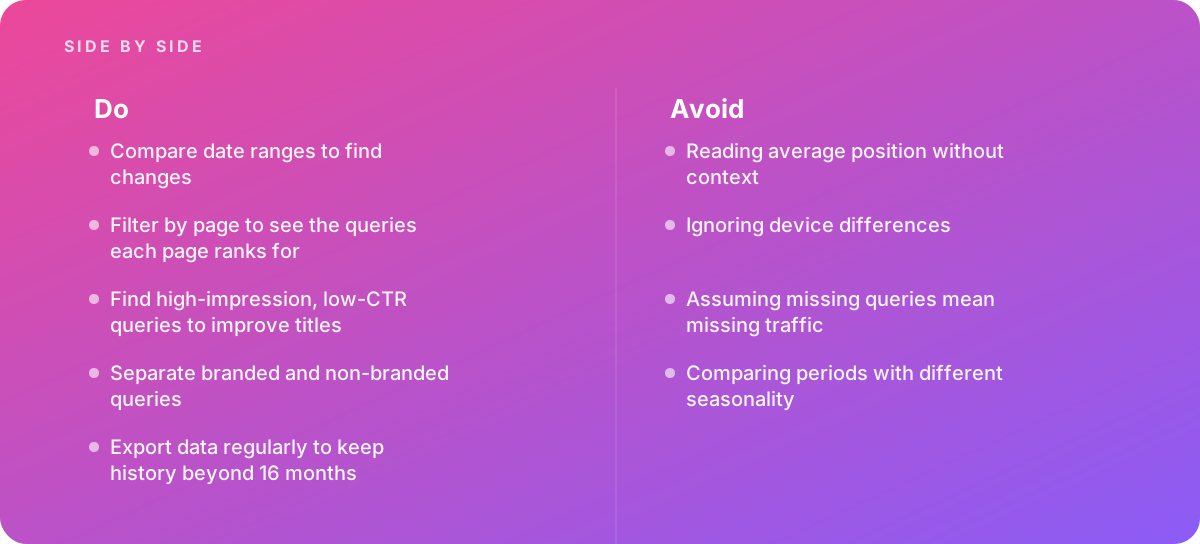
- Compare date ranges to find changes
- Filter by page to see the queries each page ranks for
- Find high-impression, low-CTR queries to improve titles
- Separate branded and non-branded queries
- Export data regularly to keep history beyond 16 months
Common pitfalls
Watch out for:
- Reading average position without context
- Ignoring device differences
- Assuming missing queries mean missing traffic
- Comparing periods with different seasonality
When to call in a specialist
Bottom line Bring in help when traffic drops and the cause is not obvious, or when building regular SEO reporting.
Where this comes from
- Google Search Central — Performance report (Search results)
- Google Analytics Help — Search Console integration
The figures and practices above come from the sources listed.
Working on something like this?
We take on SEO Services work for teams who want it done once, properly. Tell us what you are building and we will tell you honestly whether we are the right studio for it. Start a project.
Where to go next
Spotted something wrong? Report an error on this page. We correct on the page and say what changed.