How to Get Google Discover Right
The personalized feed of articles and videos shown in the Google app and on mobile home screens, based on interests rather than a search query.
 MediaScaleUp Editorial Team

What is at stake
Discover can send large, sudden traffic to publishers, but it is volatile and depends on content quality and compelling images rather than keywords.
The playbook
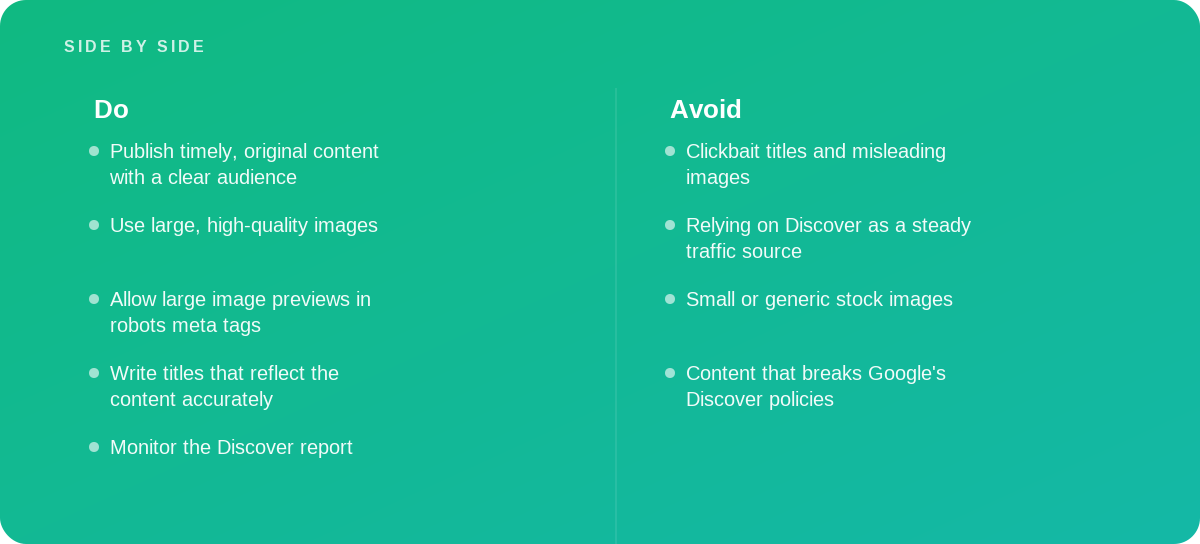
- Publish timely, original content with a clear audience
- Use large, high-quality images
- Allow large image previews in robots meta tags
- Write titles that reflect the content accurately
- Monitor the Discover report
Where it goes wrong
Avoid:
- Clickbait titles and misleading images
- Relying on Discover as a steady traffic source
- Small or generic stock images
- Content that breaks Google's Discover policies
The numbers behind it
| Measure | Figure |
|---|---|
| Eligibility | indexed content that meets Google's content policies; no special markup is required |
| Images | large images at least 1200 pixels wide are recommended |
| Large image setting | max-image-preview:large or AMP |
| Reporting | Search Console has a Discover performance report |
Getting outside help
When to hand it over: Bring in help when running a publisher site, or when Discover traffic drops suddenly.
Where this comes from
- Google Search Central — Get on Discover
- Google Search Central — Discover performance report
The figures and practices above come from the sources listed.
Working on something like this?
We take on SEO Services work for teams who want it done once, properly. Tell us what you are building and we will tell you honestly whether we are the right studio for it. Start a project.
Where to go next
Spotted something wrong? Report an error on this page. We correct on the page and say what changed.