How to Get Search Console Links Report Right
The Search Console report showing top linking sites, most-linked pages, top anchor text and internal link counts for a property.
 MediaScaleUp Editorial Team

Why does it matter?
It gives a free, Google-sourced view of which pages attract links and how internal links are distributed across the site.
What are the numbers?
- External links top linked pages, top linking sites and top linking text
- Internal links counts of internal links to each page
- Sampling the report shows a sample, not every link
- Disavow managed separately with the disavow tool
What should I do?
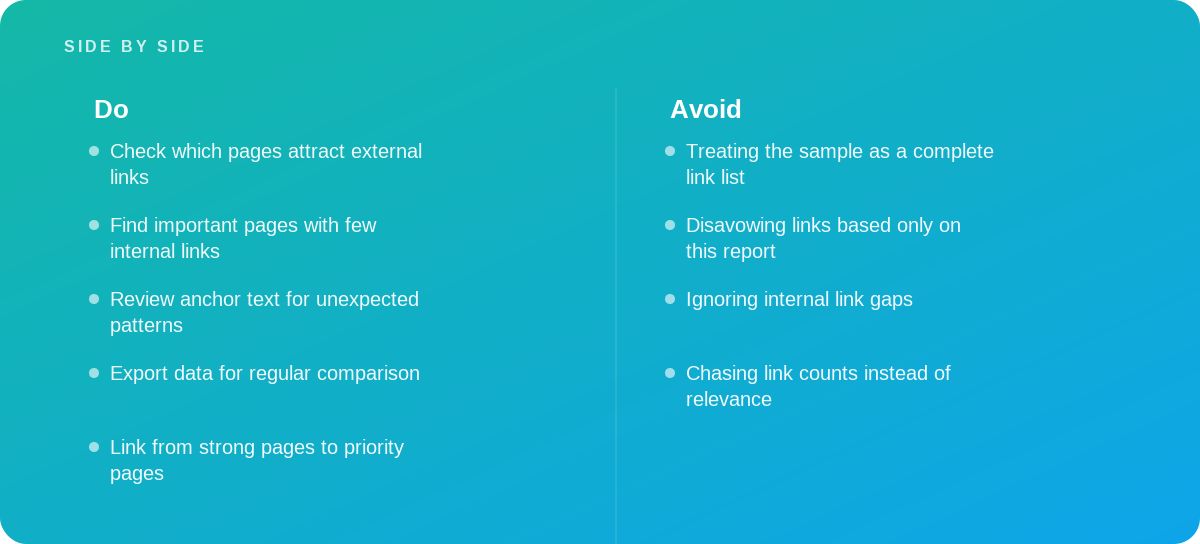
- Check which pages attract external links
- Find important pages with few internal links
- Review anchor text for unexpected patterns
- Export data for regular comparison
- Link from strong pages to priority pages
What should I avoid?
Avoid:
- Treating the sample as a complete link list
- Disavowing links based only on this report
- Ignoring internal link gaps
- Chasing link counts instead of relevance
When should I get help?
Short answer Bring in help when priority pages have few internal links, or when unusual anchor text appears suddenly.
Where this comes from
- Google Search Central — Links report
- Google Search Central — Disavow links to your site
The figures and practices above come from the sources listed.
Working on something like this?
We take on SEO Services work for teams who want it done once, properly. Tell us what you are building and we will tell you honestly whether we are the right studio for it. Start a project.
Where to go next
Spotted something wrong? Report an error on this page. We correct on the page and say what changed.