How to Get Regex Filters in Search Console Right
Using regular expressions to filter queries and pages in the Search Console performance report.
 MediaScaleUp Editorial Team

At a glance
- Query filters regex can match question words, brand terms or product families
- Page filters regex can isolate sections of a site
- Case sensitivity matching behavior must be checked
- Limits the report still samples and withholds some queries
Why it matters
Why it matters: Regex turns a flat list of queries into segments, which is how patterns in search demand become visible.
Best practice
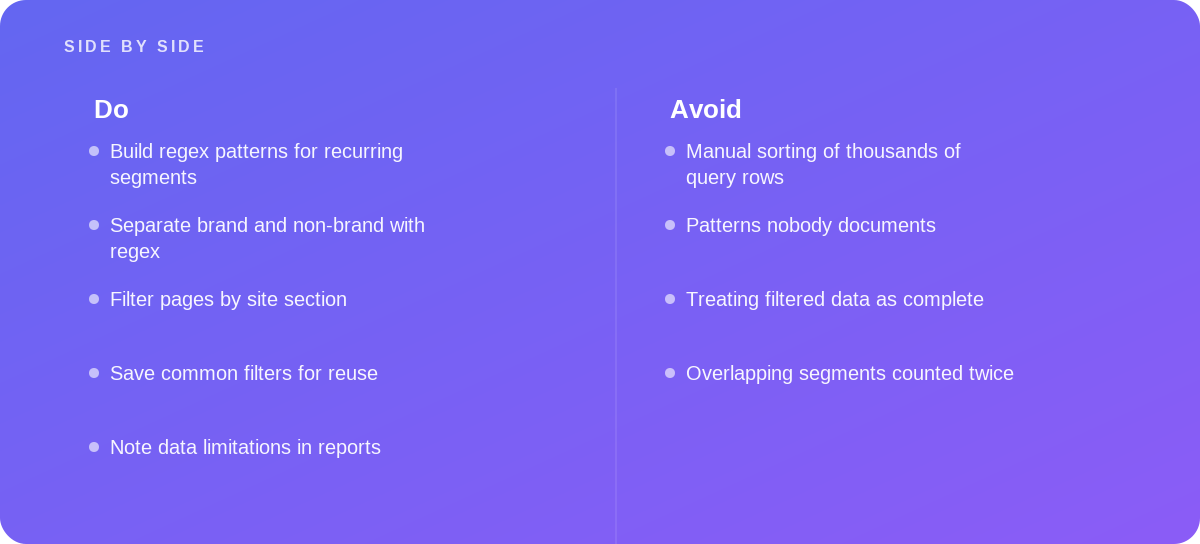
- Build regex patterns for recurring segments
- Separate brand and non-brand with regex
- Filter pages by site section
- Save common filters for reuse
- Note data limitations in reports
Common pitfalls
Watch out for:
- Manual sorting of thousands of query rows
- Patterns nobody documents
- Treating filtered data as complete
- Overlapping segments counted twice
When to call in a specialist
Bottom line Bring in help when search reporting needs segmentation.
Where this comes from
- Google Search Central — Search Console performance report
- Google Search Central — Search Console API
The figures and practices above come from the sources listed.
Working on something like this?
We take on SEO Services work for teams who want it done once, properly. Tell us what you are building and we will tell you honestly whether we are the right studio for it. Start a project.
Where to go next
Spotted something wrong? Report an error on this page. We correct on the page and say what changed.