Core Web Vitals Report in Search Console: The Decisions That Matter
The Search Console report that groups a site's URLs by Core Web Vitals status for mobile and desktop, using field data from the Chrome UX Report.
 MediaScaleUp Editorial Team

Where most projects go wrong
The usual mistakes:
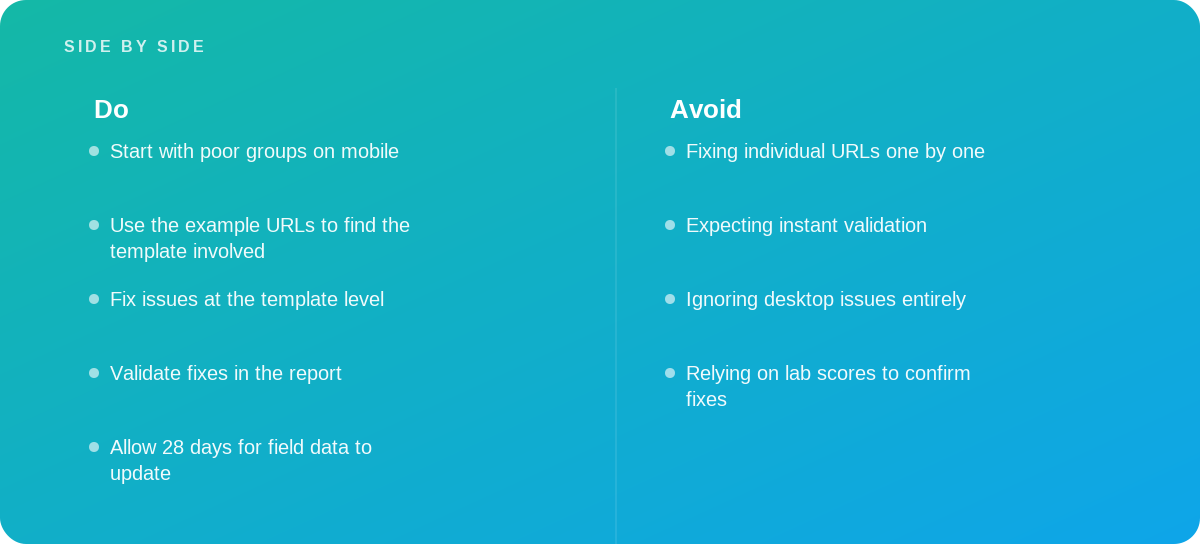
- Fixing individual URLs one by one
- Expecting instant validation
- Ignoring desktop issues entirely
- Relying on lab scores to confirm fixes
What good looks like instead
- Start with poor groups on mobile
- Use the example URLs to find the template involved
- Fix issues at the template level
- Validate fixes in the report
- Allow 28 days for field data to update
Why it matters
It shows which groups of similar pages have poor real-user experience, which is where performance work has the widest effect.
The specs that matter
| Measure | Figure |
|---|---|
| Data source | Chrome UX Report field data |
| Statuses | good, needs improvement and poor |
| URL groups | similar pages are grouped and share an example URL |
| Metrics | LCP, INP and CLS |
Knowing when to hand it over
Tip: Bring in help when many URL groups are poor, or when fixes do not move the report after several weeks.
Where this comes from
- Google Search Central — Core Web Vitals report
- web.dev — Core Web Vitals
The figures and practices above come from the sources listed.
Working on something like this?
We take on SEO Services work for teams who want it done once, properly. Tell us what you are building and we will tell you honestly whether we are the right studio for it. Start a project.
Where to go next
Spotted something wrong? Report an error on this page. We correct on the page and say what changed.