Hacked Sites and Security Issues: The Decisions That Matter
Compromised websites that serve spam, malware or deceptive content, and the Search Console report that flags them.
 MediaScaleUp Editorial Team

What is at stake
Hacked content can trigger browser warnings and search removals, and SEO spam injections often go unnoticed by site owners for months.
The playbook
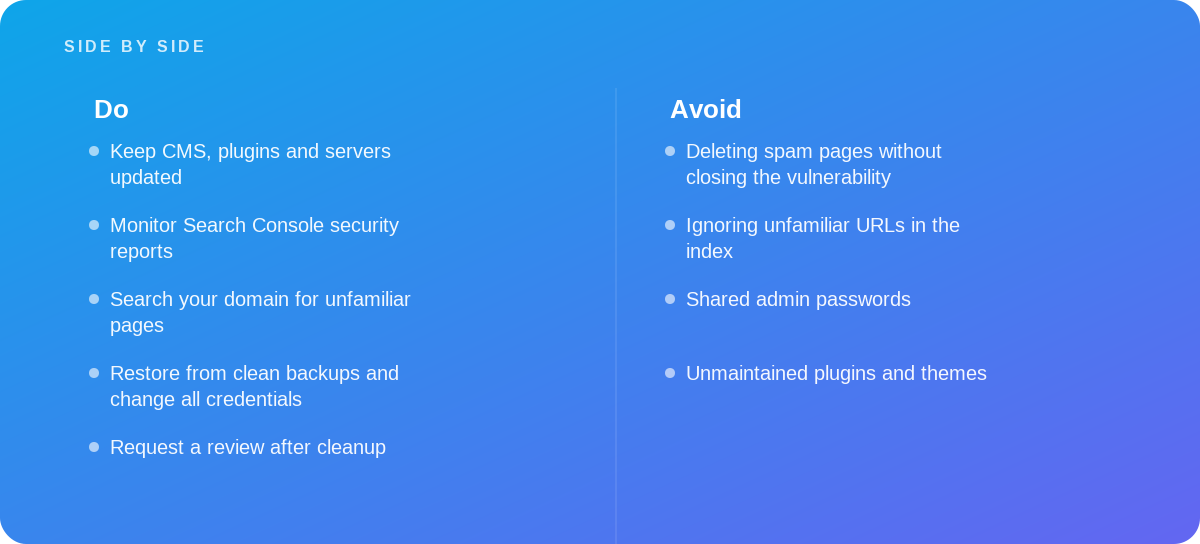
- Keep CMS, plugins and servers updated
- Monitor Search Console security reports
- Search your domain for unfamiliar pages
- Restore from clean backups and change all credentials
- Request a review after cleanup
Where it goes wrong
Avoid:
- Deleting spam pages without closing the vulnerability
- Ignoring unfamiliar URLs in the index
- Shared admin passwords
- Unmaintained plugins and themes
The numbers behind it
| Measure | Figure |
|---|---|
| Search Console report | Security issues lists hacked content, malware and social engineering |
| Common hack | injected spam pages or links, often hidden from logged-in owners |
| Browser warnings | Google Safe Browsing can warn visitors about affected sites |
| Review | after cleanup, owners request a review in Search Console |
Getting outside help
When to hand it over: Bring in help when Search Console reports a security issue, or when unfamiliar pages appear in search results for your domain.
Where this comes from
- Google Search Central — Security issues report
- Google Search Central — Help for hacked sites
The figures and practices above come from the sources listed.
Working on something like this?
We take on SEO Services work for teams who want it done once, properly. Tell us what you are building and we will tell you honestly whether we are the right studio for it. Start a project.
Where to go next
Spotted something wrong? Report an error on this page. We correct on the page and say what changed.