How to Get Manual Actions Right
Penalties applied by a person at Google when a site violates spam policies, reported in Search Console with the affected pages and the issue found.
 Samir Haddad

At a glance
- Where reported the Manual actions report in Search Console
- Scope can affect specific pages, sections or the whole site
- Common types unnatural links, thin content, pure spam, user-generated spam and structured data issues
- Resolution fix the issue, then submit a reconsideration request
Why it matters
Why it matters: A manual action can remove pages or a whole site from results until it is fixed and a reconsideration request is accepted.
Best practice
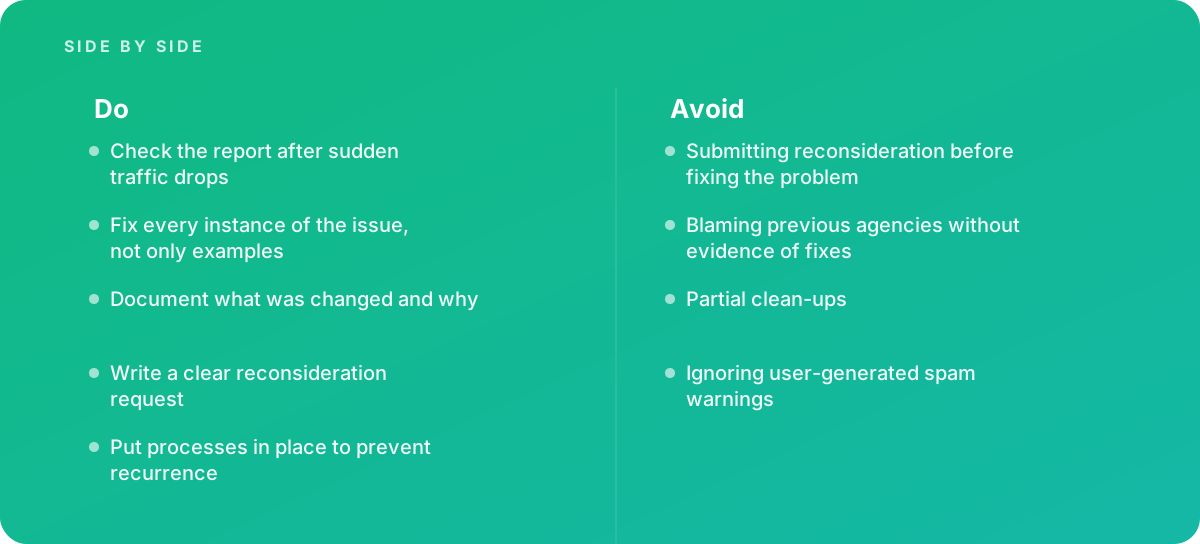
- Check the report after sudden traffic drops
- Fix every instance of the issue, not only examples
- Document what was changed and why
- Write a clear reconsideration request
- Put processes in place to prevent recurrence
Common pitfalls
Watch out for:
- Submitting reconsideration before fixing the problem
- Blaming previous agencies without evidence of fixes
- Partial clean-ups
- Ignoring user-generated spam warnings
When to call in a specialist
Bottom line Bring in help when a manual action appears, especially for unnatural links or site-wide issues.
Where this comes from
- Google Search Central — Manual actions report
- Google Search Central — Spam policies for Google web search
The figures and practices above come from the sources listed.
Working on something like this?
We take on SEO Services work for teams who want it done once, properly. Tell us what you are building and we will tell you honestly whether we are the right studio for it. Start a project.
Where to go next
Spotted something wrong? Report an error on this page. We correct on the page and say what changed.