A Practical Guide to Crawl Stats Report
The Search Console report showing how often Google crawls a site, what it requests and how the server responds.
 MediaScaleUp Editorial Team

Why does it matter?
Crawl statistics reveal server problems, wasted crawling and sudden changes that affect indexing.
What are the numbers?
- Requests the report shows total crawl requests over time
- Response codes breakdowns show errors and redirects
- File types crawling is split by resource type
- Host status reports server availability problems
What should I do?
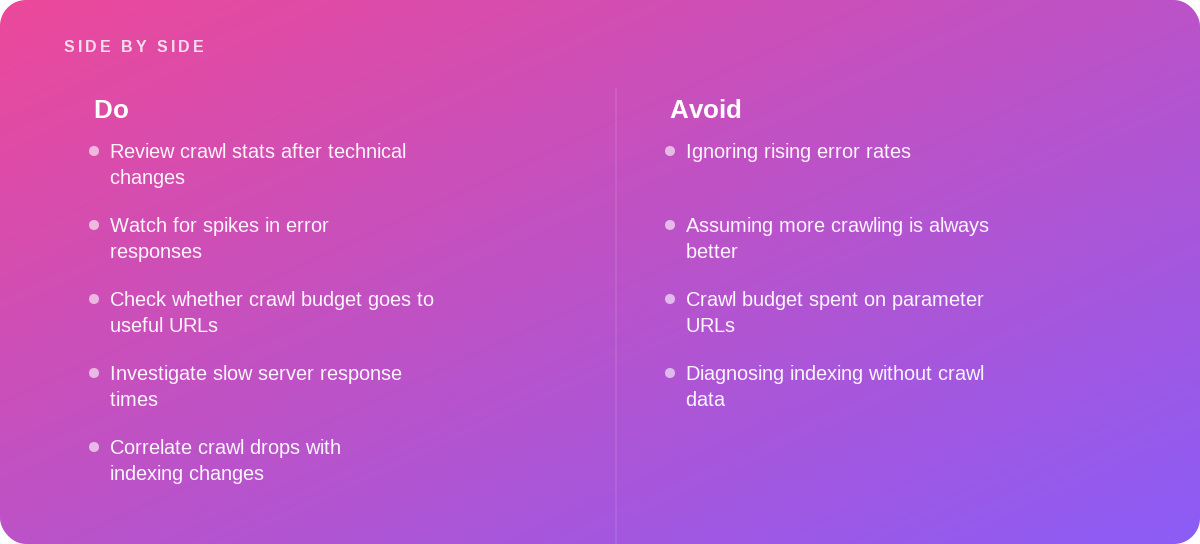
- Review crawl stats after technical changes
- Watch for spikes in error responses
- Check whether crawl budget goes to useful URLs
- Investigate slow server response times
- Correlate crawl drops with indexing changes
What should I avoid?
Avoid:
- Ignoring rising error rates
- Assuming more crawling is always better
- Crawl budget spent on parameter URLs
- Diagnosing indexing without crawl data
When should I get help?
Short answer Bring in help when large sites index slowly.
Where this comes from
- Google Search Central — Crawl stats report
- Google Search Central — Crawl budget management
The figures and practices above come from the sources listed.
Working on something like this?
We take on SEO Services work for teams who want it done once, properly. Tell us what you are building and we will tell you honestly whether we are the right studio for it. Start a project.
Where to go next
Spotted something wrong? Report an error on this page. We correct on the page and say what changed.