URL Inspection Tool: The Decisions That Matter
The Search Console tool that shows Google's indexed version of a specific URL and can test the live page, including rendering, canonical selection and indexability.
 MediaScaleUp Editorial Team

Why does it matter?
It answers the question of what Google actually sees on a page, which is essential for diagnosing indexing and rendering problems.
What are the numbers?
- Indexed view shows whether the URL is indexed and the canonical Google selected
- Live test fetches and renders the current page
- Rendered HTML shows what Googlebot saw after JavaScript
- Request indexing asks Google to recrawl, with a daily quota
What should I do?
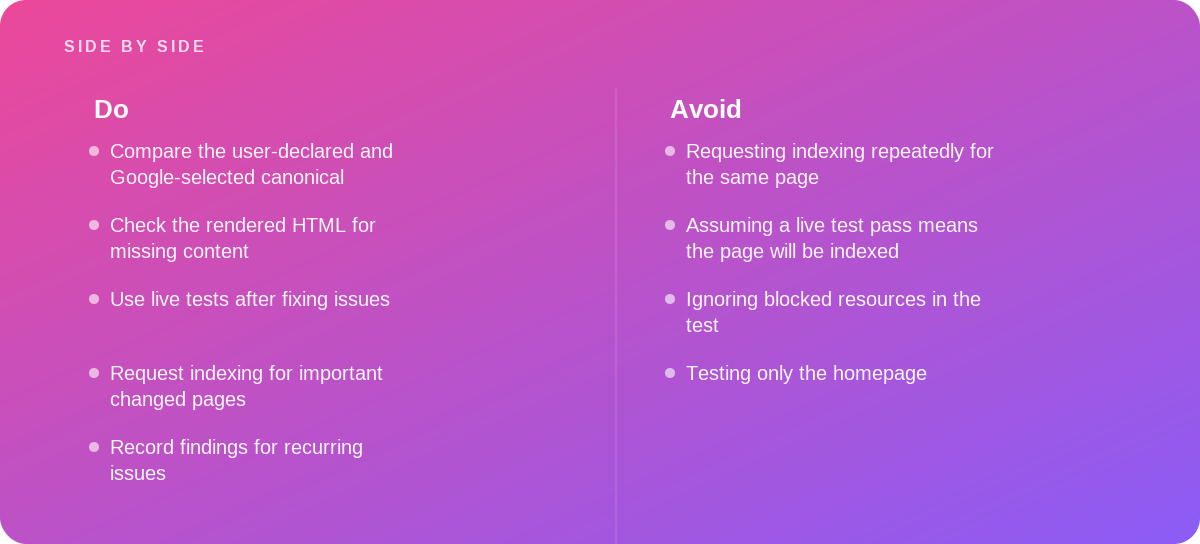
- Compare the user-declared and Google-selected canonical
- Check the rendered HTML for missing content
- Use live tests after fixing issues
- Request indexing for important changed pages
- Record findings for recurring issues
What should I avoid?
Avoid:
- Requesting indexing repeatedly for the same page
- Assuming a live test pass means the page will be indexed
- Ignoring blocked resources in the test
- Testing only the homepage
When should I get help?
Short answer Bring in help when the rendered page differs from what users see, or when Google selects a different canonical.
Where this comes from
- Google Search Central — URL Inspection tool
- Google Search Central — Understand JavaScript SEO basics
The figures and practices above come from the sources listed.
Working on something like this?
We take on SEO Services work for teams who want it done once, properly. Tell us what you are building and we will tell you honestly whether we are the right studio for it. Start a project.
Where to go next
Spotted something wrong? Report an error on this page. We correct on the page and say what changed.