Search Console Page Indexing Report: The Decisions That Matter
The Search Console report that shows which known pages are indexed, which are not, and the reason for each excluded page.
 MediaScaleUp Editorial Team

Where most projects go wrong
The usual mistakes:
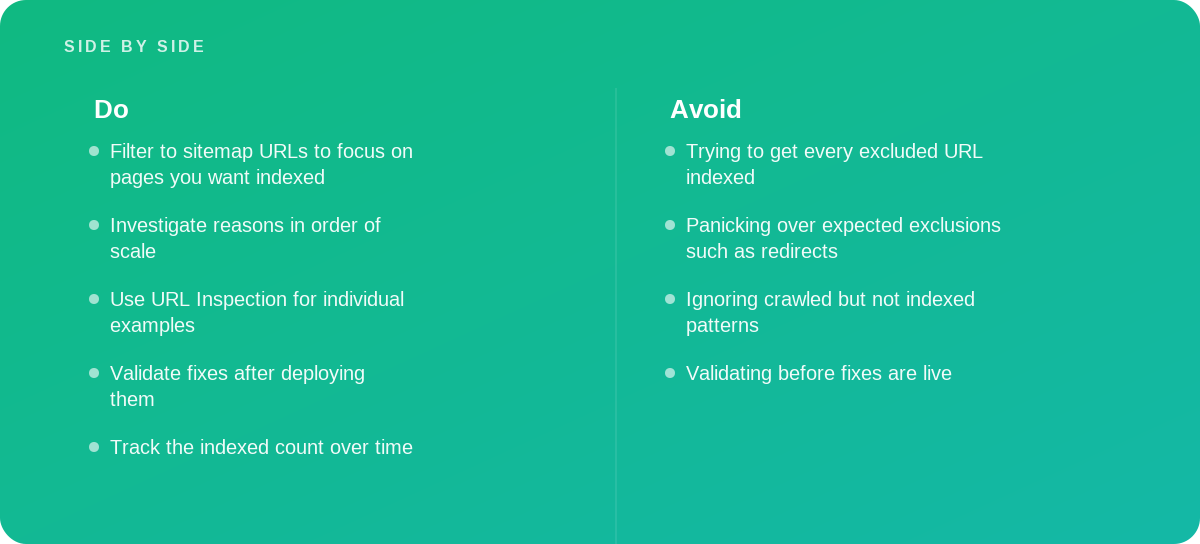
- Trying to get every excluded URL indexed
- Panicking over expected exclusions such as redirects
- Ignoring crawled but not indexed patterns
- Validating before fixes are live
What good looks like instead
- Filter to sitemap URLs to focus on pages you want indexed
- Investigate reasons in order of scale
- Use URL Inspection for individual examples
- Validate fixes after deploying them
- Track the indexed count over time
Why it matters
It is the primary way to find out why pages are missing from Google, from noindex tags and redirects to duplicates and crawl problems.
The specs that matter
| Measure | Figure |
|---|---|
| Statuses | indexed and not indexed, with a reason for each non-indexed page |
| Common reasons | excluded by noindex, alternate page with proper canonical, crawled but not indexed, discovered but not indexed |
| Validation | fixes can be validated from the report |
| Sitemap filter | results can be filtered to URLs in submitted sitemaps |
Knowing when to hand it over
Tip: Bring in help when important pages are not indexed, or when the number of indexed pages drops sharply.
Where this comes from
- Google Search Central — Page indexing report
- Google Search Central — URL Inspection tool
The figures and practices above come from the sources listed.
Working on something like this?
We take on SEO Services work for teams who want it done once, properly. Tell us what you are building and we will tell you honestly whether we are the right studio for it. Start a project.
Where to go next
Spotted something wrong? Report an error on this page. We correct on the page and say what changed.