How to Get Sitemap Index Files Right
A file that lists several sitemaps, used when a site has more URLs than a single sitemap can hold.
 Samir Haddad

Why does it matter?
Large sites need structured sitemaps, and splitting them sensibly makes indexing problems easier to diagnose.
What are the numbers?
- Limits a sitemap holds up to 50,000 URLs and has a file size limit
- Index files reference multiple sitemaps
- Segmentation sitemaps can be split by content type or section
- Reporting Search Console reports indexing per sitemap
What should I do?
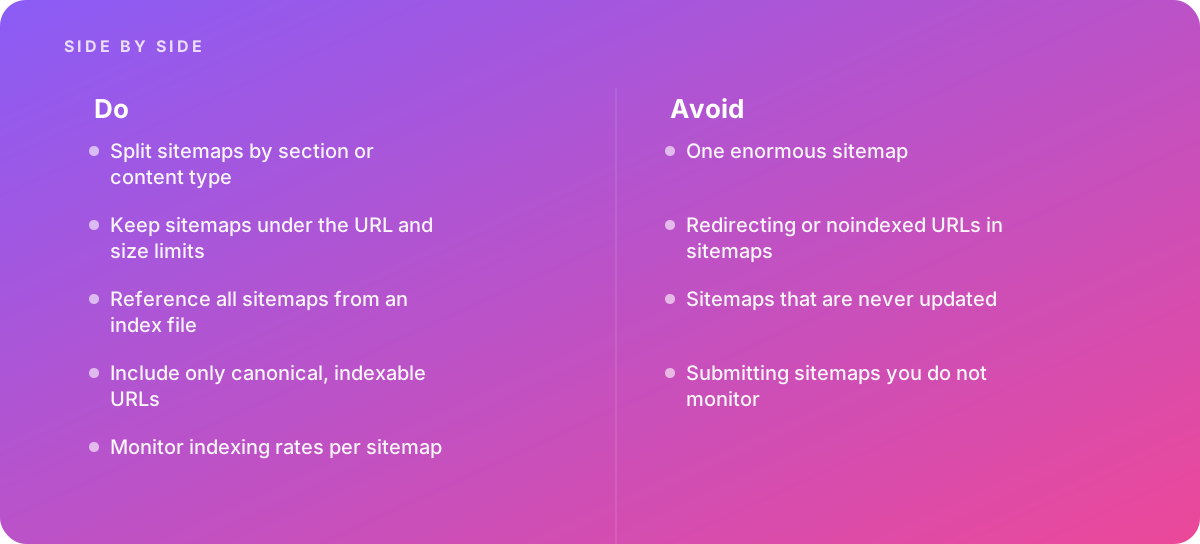
- Split sitemaps by section or content type
- Keep sitemaps under the URL and size limits
- Reference all sitemaps from an index file
- Include only canonical, indexable URLs
- Monitor indexing rates per sitemap
What should I avoid?
Avoid:
- One enormous sitemap
- Redirecting or noindexed URLs in sitemaps
- Sitemaps that are never updated
- Submitting sitemaps you do not monitor
When should I get help?
Short answer Bring in help when large sites have indexing problems.
Where this comes from
- Google Search Central — Build and submit a sitemap
- Google Search Central — Sitemaps overview
The figures and practices above come from the sources listed.
Working on something like this?
We take on SEO Services work for teams who want it done once, properly. Tell us what you are building and we will tell you honestly whether we are the right studio for it. Start a project.
Where to go next
Spotted something wrong? Report an error on this page. We correct on the page and say what changed.