X-Robots-Tag Headers, Done Properly
Indexing instructions delivered in HTTP headers rather than HTML tags, used for files such as PDFs and images.
 MediaScaleUp Editorial Team

Where most projects go wrong
The usual mistakes:
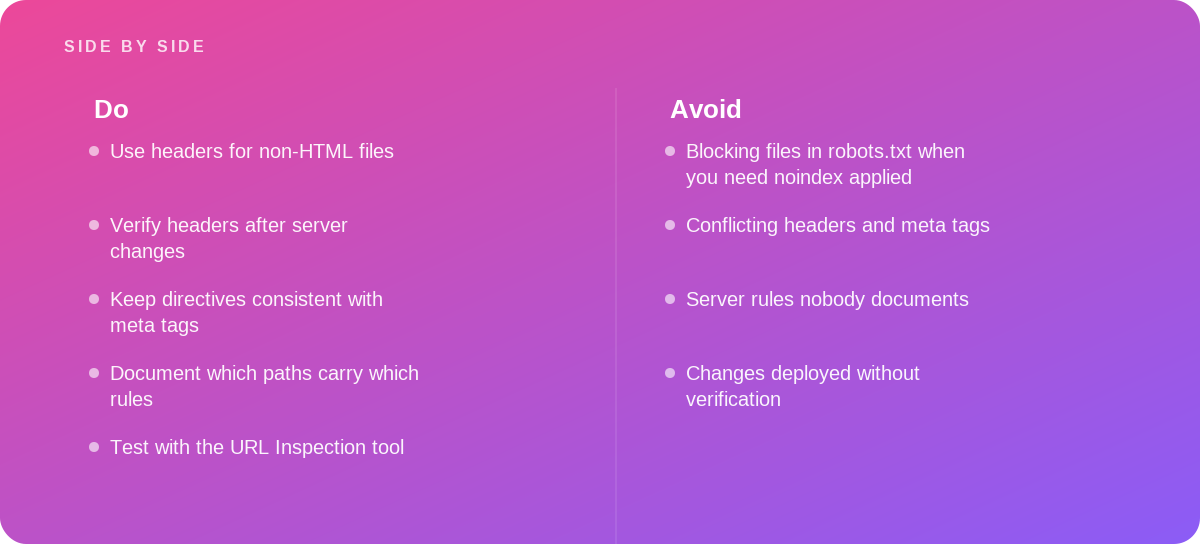
- Blocking files in robots.txt when you need noindex applied
- Conflicting headers and meta tags
- Server rules nobody documents
- Changes deployed without verification
What good looks like instead
- Use headers for non-HTML files
- Verify headers after server changes
- Keep directives consistent with meta tags
- Document which paths carry which rules
- Test with the URL Inspection tool
Why it matters
Non-HTML files cannot carry meta tags, so headers are the only way to control their indexing.
The specs that matter
| Measure | Figure |
|---|---|
| Non-HTML files | PDFs and images need header-based directives |
| Directives | the same values as robots meta tags apply |
| Server configuration | headers are set at the web server or application level |
| Verification | headers can be checked with developer tools |
Knowing when to hand it over
Tip: Bring in help when document libraries need indexing control.
Where this comes from
- Google Search Central — Robots meta tag specifications
- Google Search Central — URL Inspection Tool
The figures and practices above come from the sources listed.
Working on something like this?
We take on SEO Services work for teams who want it done once, properly. Tell us what you are building and we will tell you honestly whether we are the right studio for it. Start a project.
Where to go next
Spotted something wrong? Report an error on this page. We correct on the page and say what changed.