How to Get PDF Files in Search Right
How search engines treat PDF documents, and when content belongs in a PDF rather than a web page.
 MediaScaleUp Editorial Team

Why does it matter?
PDFs can rank and attract links, but they offer a worse experience than HTML for most content.
What are the numbers?
- Indexing Google indexes PDF content
- Accessibility many PDFs are inaccessible without extra work
- Mobile PDFs are harder to read on phones
- Metadata PDF titles often appear in results
What should I do?
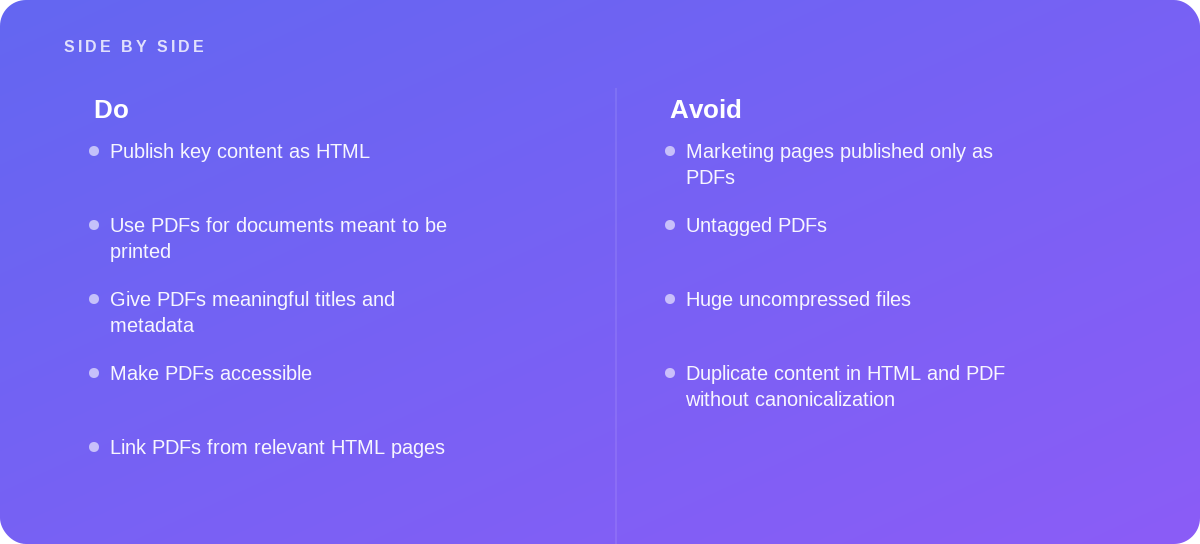
- Publish key content as HTML
- Use PDFs for documents meant to be printed
- Give PDFs meaningful titles and metadata
- Make PDFs accessible
- Link PDFs from relevant HTML pages
What should I avoid?
Avoid:
- Marketing pages published only as PDFs
- Untagged PDFs
- Huge uncompressed files
- Duplicate content in HTML and PDF without canonicalization
When should I get help?
Short answer Bring in help when document libraries need to be findable.
Where this comes from
- Google Search Central — PDF files in search results
- W3C Web Accessibility Initiative — PDF accessibility
The figures and practices above come from the sources listed.
Working on something like this?
We take on SEO Services work for teams who want it done once, properly. Tell us what you are building and we will tell you honestly whether we are the right studio for it. Start a project.
Where to go next
Spotted something wrong? Report an error on this page. We correct on the page and say what changed.