Lists and Tables in Content, Done Properly
Using bulleted lists, numbered steps and tables to present information that has structure, instead of long paragraphs.
 MediaScaleUp Editorial Team

Why does it matter?
Lists and tables make content easier to scan and compare, and when marked up properly they are accessible to screen reader users.
What are the numbers?
- Numbered lists for sequential steps
- Bulleted lists for items without order
- Tables for data with rows and columns, with header cells
- Markup real list and table elements convey structure to assistive technology
What should I do?
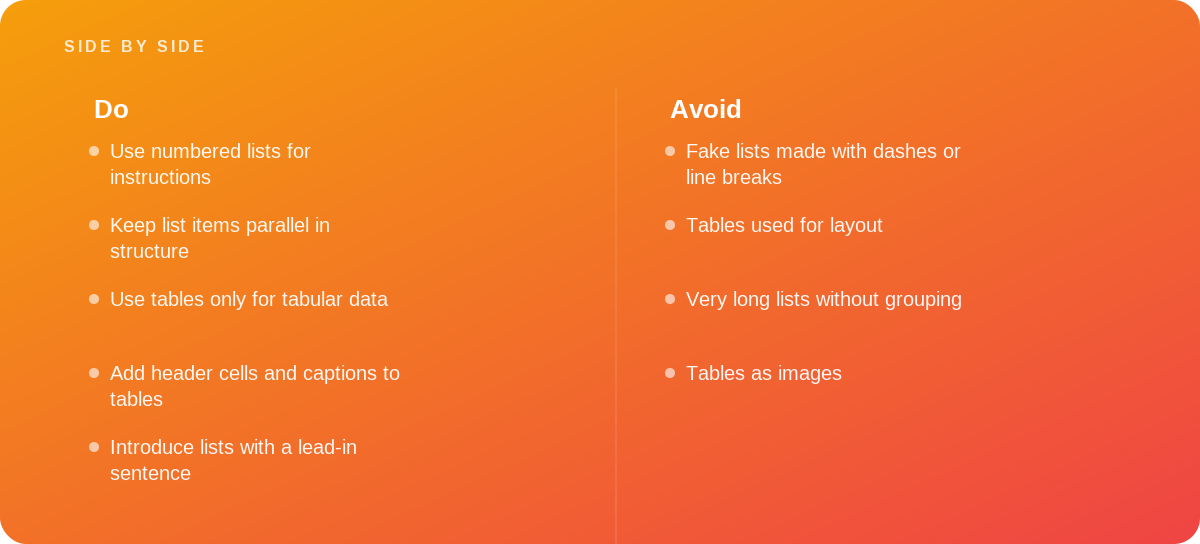
- Use numbered lists for instructions
- Keep list items parallel in structure
- Use tables only for tabular data
- Add header cells and captions to tables
- Introduce lists with a lead-in sentence
What should I avoid?
Avoid:
- Fake lists made with dashes or line breaks
- Tables used for layout
- Very long lists without grouping
- Tables as images
When should I get help?
Short answer Bring in help when content editors lack tools for accessible lists and tables.
Where this comes from
- W3C Web Accessibility Initiative — Tables tutorial
- PlainLanguage.gov — Federal Plain Language Guidelines
The figures and practices above come from the sources listed.
Working on something like this?
We take on Content Strategy work for teams who want it done once, properly. Tell us what you are building and we will tell you honestly whether we are the right studio for it. Start a project.
Where to go next
Spotted something wrong? Report an error on this page. We correct on the page and say what changed.