A Practical Guide to Latency and Buffer Size
The delay between audio entering and leaving a computer, set largely by buffer size and affected by plug-ins and hardware.
 MediaScaleUp Editorial Team
Why does it matter?
Latency makes recording uncomfortable and can throw performers off, while too small a buffer causes clicks and dropouts.
What are the numbers?
- Buffer size smaller buffers reduce latency but increase CPU load
- Direct monitoring audio interfaces can route input to headphones without the computer
- Delay compensation software aligns tracks delayed by plug-ins
- Dropouts buffers too small for the system cause clicks
What should I do?
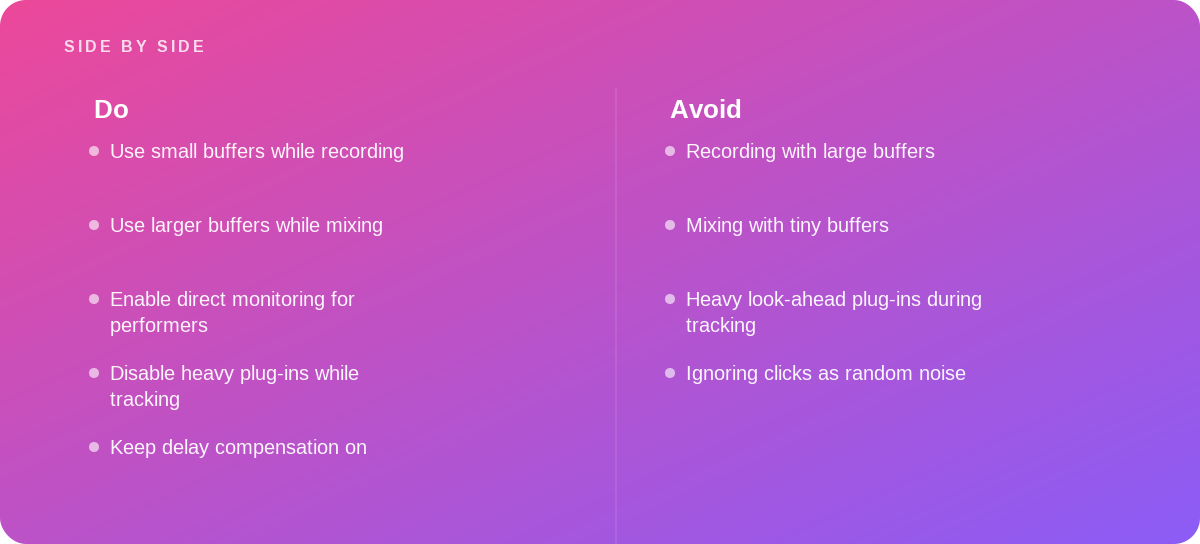
- Use small buffers while recording
- Use larger buffers while mixing
- Enable direct monitoring for performers
- Disable heavy plug-ins while tracking
- Keep delay compensation on
What should I avoid?
Avoid:
- Recording with large buffers
- Mixing with tiny buffers
- Heavy look-ahead plug-ins during tracking
- Ignoring clicks as random noise
When should I get help?
Short answer Bring in help when recording setups suffer from delay or dropouts.
Where this comes from
The figures and practices above come from the sources listed.
Working on something like this?
We take on Audio Editing & Production work for teams who want it done once, properly. Tell us what you are building and we will tell you honestly whether we are the right studio for it. Start a project.
Where to go next
Spotted something wrong? Report an error on this page. We correct on the page and say what changed.