A Practical Guide to Audio over IP
Sending professional audio over computer networks instead of dedicated audio cables.
 MediaScaleUp Editorial Team
What is at stake
Networked audio simplifies large installations, but it depends on correctly configured networks and clocking.
The playbook
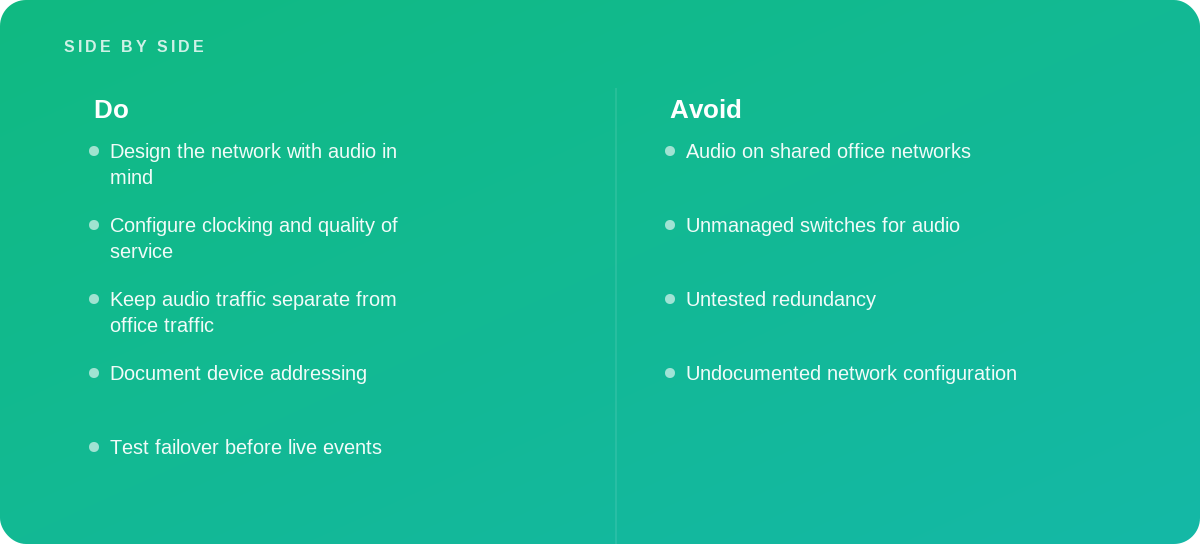
- Design the network with audio in mind
- Configure clocking and quality of service
- Keep audio traffic separate from office traffic
- Document device addressing
- Test failover before live events
Where it goes wrong
Avoid:
- Audio on shared office networks
- Unmanaged switches for audio
- Untested redundancy
- Undocumented network configuration
The numbers behind it
| Measure | Figure |
|---|---|
| AES67 | an AES standard for audio-over-IP interoperability |
| Clocking | networks use precision time protocol to keep devices in sync |
| Quality of service | networks must prioritize audio traffic |
| Latency | configurable, and must be planned for live use |
Getting outside help
When to hand it over: Bring in help when installing networked audio systems.
Where this comes from
- Audio Engineering Society — AES standards
- European Broadcasting Union — Technical recommendations for production
The figures and practices above come from the sources listed.
Working on something like this?
We take on Audio Editing & Production work for teams who want it done once, properly. Tell us what you are building and we will tell you honestly whether we are the right studio for it. Start a project.
Where to go next
Spotted something wrong? Report an error on this page. We correct on the page and say what changed.