A Practical Guide to Archiving Audio Sessions
Storing finished audio projects so they can be reopened and revised years later.
 MediaScaleUp Editorial Team
Where most projects go wrong
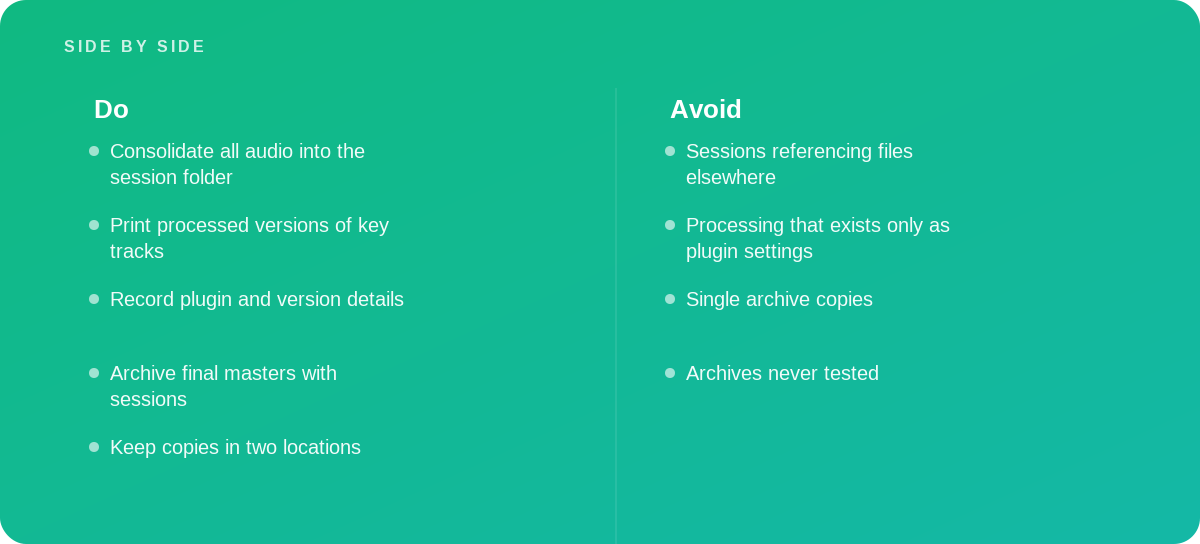
The usual mistakes:
- Sessions referencing files elsewhere
- Processing that exists only as plugin settings
- Single archive copies
- Archives never tested
What good looks like instead
- Consolidate all audio into the session folder
- Print processed versions of key tracks
- Record plugin and version details
- Archive final masters with sessions
- Keep copies in two locations
Why it matters
Clients return for edits, and sessions that depend on missing plugins or files cannot be reopened.
The specs that matter
| Measure | Figure |
|---|---|
| Consolidation | sessions should include all referenced audio |
| Plugins | processing may not open on future systems |
| Printed tracks | rendered versions survive plugin loss |
| Copies | archives need more than one location |
Knowing when to hand it over
Tip: Bring in help when long-running series need archiving.
Where this comes from
- Federal Agencies Digital Guidelines Initiative — Embedding Metadata in Broadcast WAVE Files
- Avid — Pro Tools Reference Guide
The figures and practices above come from the sources listed.
Working on something like this?
We take on Audio Editing & Production work for teams who want it done once, properly. Tell us what you are building and we will tell you honestly whether we are the right studio for it. Start a project.
Where to go next
Spotted something wrong? Report an error on this page. We correct on the page and say what changed.