AI Speech Enhancement Tools, Done Properly
Machine learning tools that clean up speech recordings, removing noise, reverb and artifacts automatically.
 MediaScaleUp Editorial Team
Where most projects go wrong
The usual mistakes:
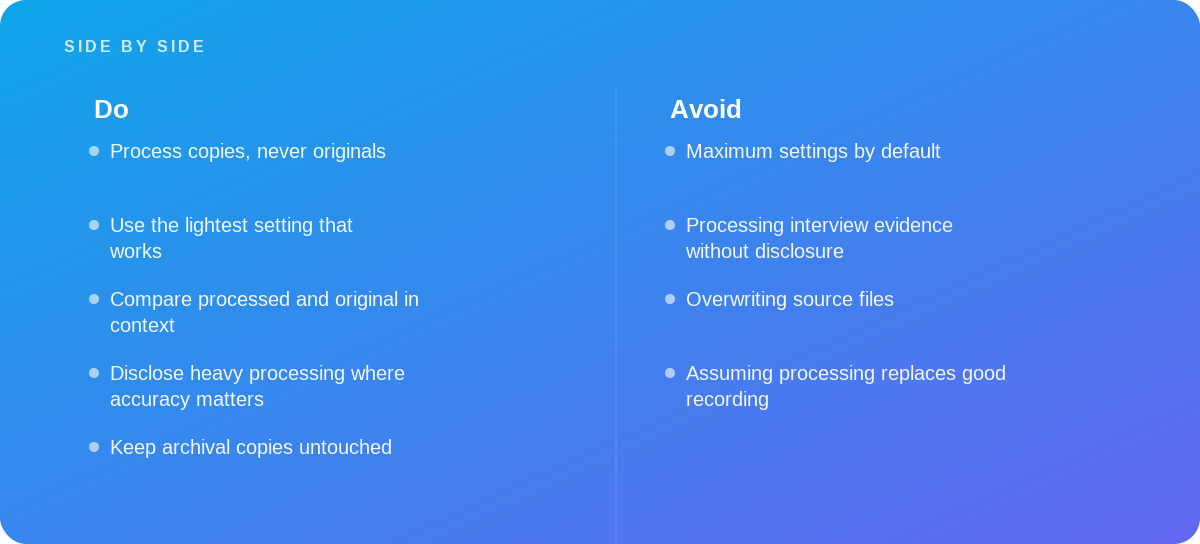
- Maximum settings by default
- Processing interview evidence without disclosure
- Overwriting source files
- Assuming processing replaces good recording
What good looks like instead
- Process copies, never originals
- Use the lightest setting that works
- Compare processed and original in context
- Disclose heavy processing where accuracy matters
- Keep archival copies untouched
Why it matters
These tools can rescue difficult recordings, but they can also introduce artifacts and alter voices.
The specs that matter
| Measure | Figure |
|---|---|
| Noise and reverb removal | models separate speech from background |
| Artifacts | aggressive processing creates watery or robotic sound |
| Originals | processed files should never overwrite source recordings |
| Consent | voice processing may raise questions for interviews and evidence |
Knowing when to hand it over
Tip: Bring in help when difficult recordings must be published.
Where this comes from
- iZotope — RX Help Documentation
- Adobe Help Center — Audition User Guide
The figures and practices above come from the sources listed.
Working on something like this?
We take on Audio Editing & Production work for teams who want it done once, properly. Tell us what you are building and we will tell you honestly whether we are the right studio for it. Start a project.
Where to go next
Spotted something wrong? Report an error on this page. We correct on the page and say what changed.