Volume Automation and Clip Gain: The Decisions That Matter
Controlling level changes over time in a mix, using clip gain for source levels and automation for moves during playback.
 MediaScaleUp Editorial Team

Where most projects go wrong
The usual mistakes:
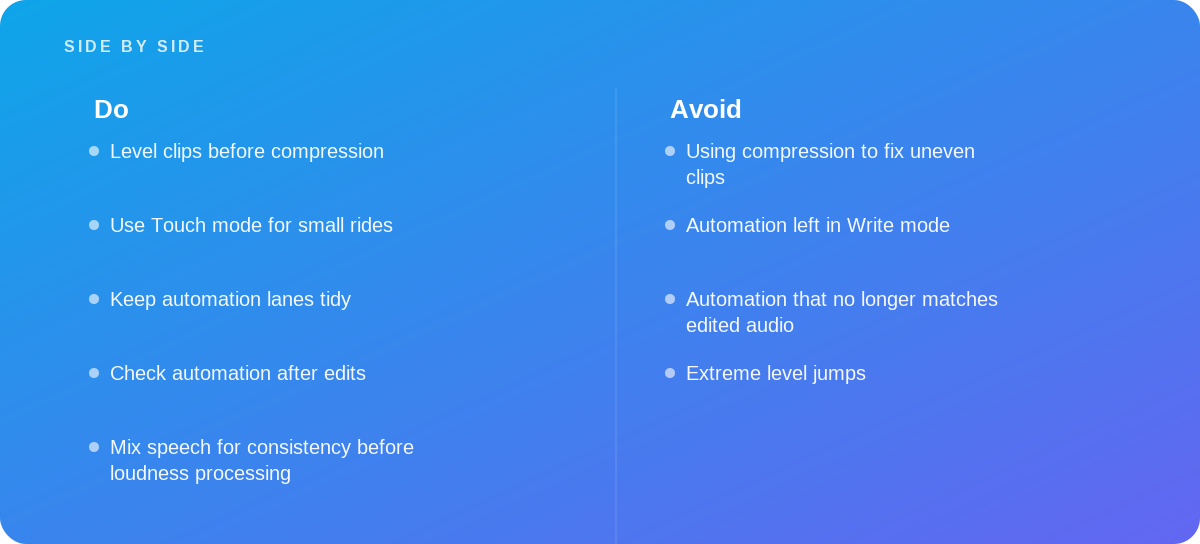
- Using compression to fix uneven clips
- Automation left in Write mode
- Automation that no longer matches edited audio
- Extreme level jumps
What good looks like instead
- Level clips before compression
- Use Touch mode for small rides
- Keep automation lanes tidy
- Check automation after edits
- Mix speech for consistency before loudness processing
Why it matters
Careful level control keeps speech even and mixes dynamic, reducing the need for heavy compression.
The specs that matter
| Measure | Figure |
|---|---|
| Clip gain | adjusts level before plug-ins and faders in Pro Tools |
| Automation modes | include Read, Touch, Latch and Write |
| Touch | returns to previous values when the control is released |
| Latch | holds the last value after release |
Knowing when to hand it over
Tip: Bring in help when mixes sound uneven across long programs.
Where this comes from
The figures and practices above come from the sources listed.
Working on something like this?
We take on Audio Editing & Production work for teams who want it done once, properly. Tell us what you are building and we will tell you honestly whether we are the right studio for it. Start a project.
Where to go next
Spotted something wrong? Report an error on this page. We correct on the page and say what changed.