How to Get Autoplaying Audio on Websites Right
Audio and video that start playing on their own when a page loads, and the rules browsers and accessibility standards apply to it.
 MediaScaleUp Editorial Team
What is at stake
Autoplaying sound annoys visitors, interferes with screen readers and is often blocked by browsers anyway.
The playbook
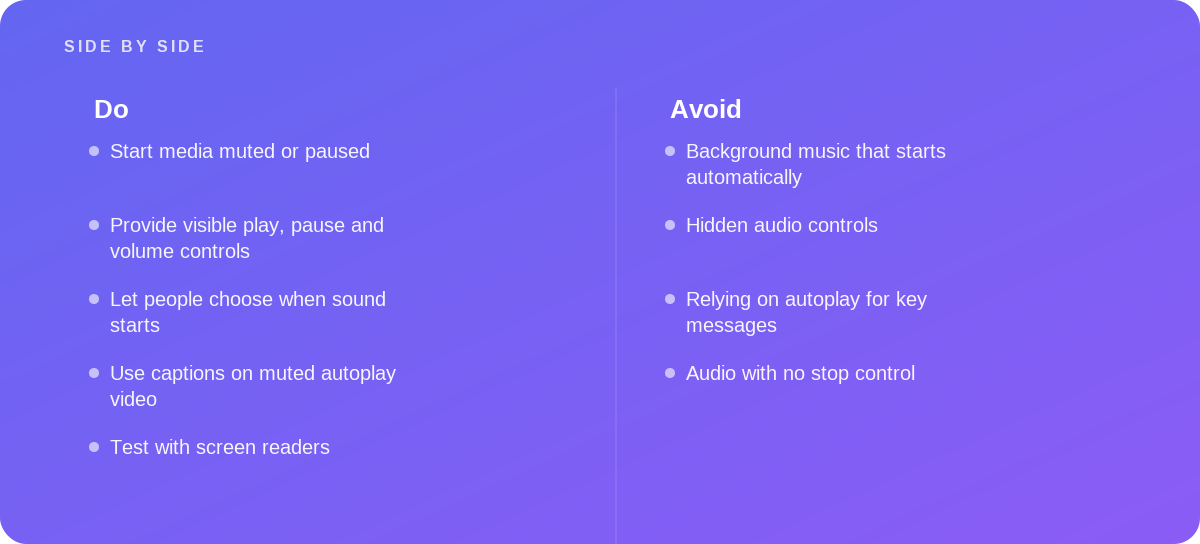
- Start media muted or paused
- Provide visible play, pause and volume controls
- Let people choose when sound starts
- Use captions on muted autoplay video
- Test with screen readers
Where it goes wrong
Avoid:
- Background music that starts automatically
- Hidden audio controls
- Relying on autoplay for key messages
- Audio with no stop control
The numbers behind it
| Measure | Figure |
|---|---|
| WCAG | audio playing automatically for over three seconds needs a pause or volume control |
| Chrome | allows muted autoplay but restricts autoplay with sound |
| Screen readers | autoplaying audio can drown out assistive technology |
| User gesture | sound usually starts after a click or tap |
Getting outside help
When to hand it over: Bring in help when media-heavy sites need accessible playback.
Where this comes from
- W3C Web Accessibility Initiative — Understanding Success Criterion 1.4.2 Audio Control
- Chrome for Developers — Autoplay policy in Chrome
The figures and practices above come from the sources listed.
Working on something like this?
We take on Audio Editing & Production work for teams who want it done once, properly. Tell us what you are building and we will tell you honestly whether we are the right studio for it. Start a project.
Where to go next
Spotted something wrong? Report an error on this page. We correct on the page and say what changed.