Noise Gates and Expanders, Done Properly
Dynamics processors that reduce level when audio falls below a threshold, used to cut background noise between phrases or bleed between microphones.
 MediaScaleUp Editorial Team

Where most projects go wrong
The usual mistakes:
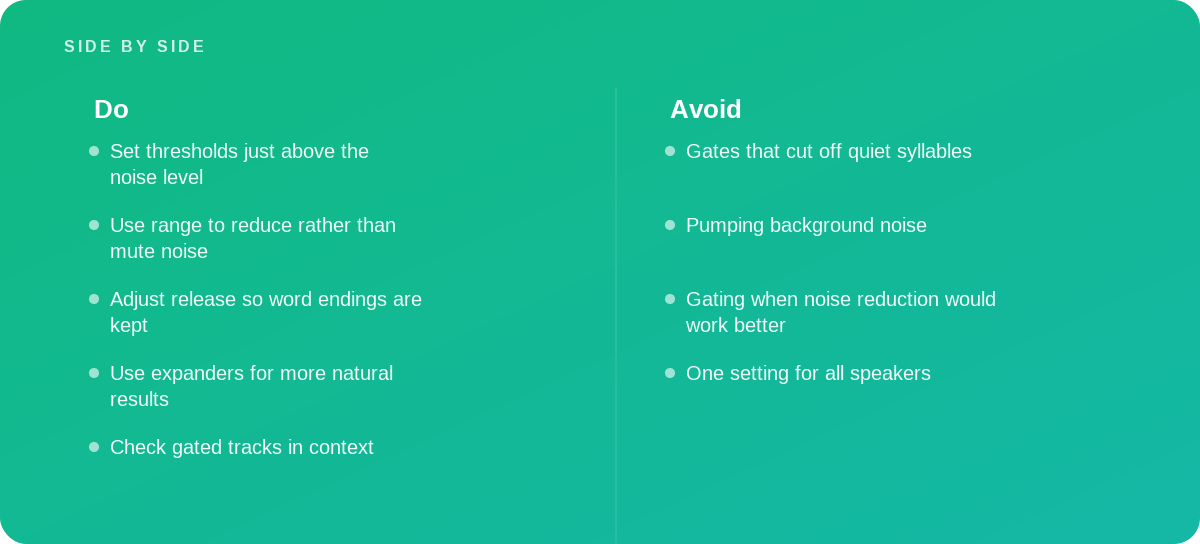
- Gates that cut off quiet syllables
- Pumping background noise
- Gating when noise reduction would work better
- One setting for all speakers
What good looks like instead
- Set thresholds just above the noise level
- Use range to reduce rather than mute noise
- Adjust release so word endings are kept
- Use expanders for more natural results
- Check gated tracks in context
Why it matters
Gates can clean up recordings quickly, but badly set gates chop words and make background noise pump in and out.
The specs that matter
| Measure | Figure |
|---|---|
| Gate | reduces signal strongly below the threshold |
| Expander | reduces signal more gently below the threshold |
| Key settings | threshold, attack, hold, release and range |
| Alternative | manual editing or noise reduction for difficult material |
Knowing when to hand it over
Tip: Bring in help when multi-microphone recordings have heavy bleed or background noise.
Where this comes from
- iZotope — Noise gate guide
- Audio Engineering Society — Educational resources
The figures and practices above come from the sources listed.
Working on something like this?
We take on Audio Editing & Production work for teams who want it done once, properly. Tell us what you are building and we will tell you honestly whether we are the right studio for it. Start a project.
Where to go next
Spotted something wrong? Report an error on this page. We correct on the page and say what changed.