WordPress Block Development: The Decisions That Matter
Building custom blocks for the WordPress block editor, known as Gutenberg, so editors can assemble pages from reusable components.
 MediaScaleUp Editorial Team

Where most projects go wrong
The usual mistakes:
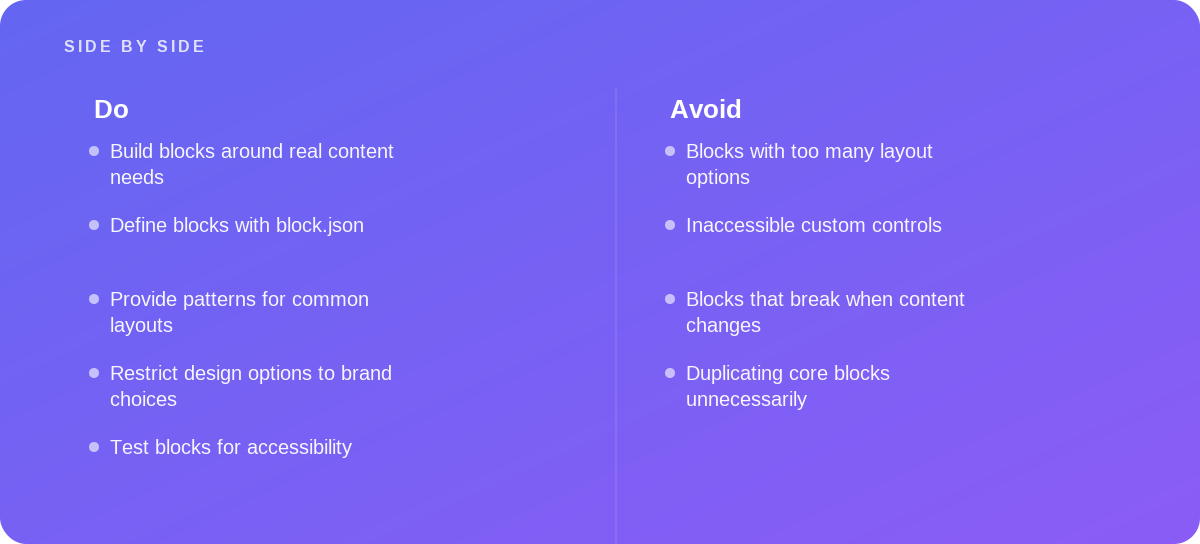
- Blocks with too many layout options
- Inaccessible custom controls
- Blocks that break when content changes
- Duplicating core blocks unnecessarily
What good looks like instead
- Build blocks around real content needs
- Define blocks with block.json
- Provide patterns for common layouts
- Restrict design options to brand choices
- Test blocks for accessibility
Why it matters
Custom blocks give editors flexibility while keeping layouts on-brand and accessible.
The specs that matter
| Measure | Figure |
|---|---|
| Block editor | the default WordPress editor since version 5.0 |
| block.json | the metadata file that defines a block |
| Patterns | reusable arrangements of blocks |
| Theme.json | controls design settings for block themes |
Knowing when to hand it over
Tip: Bring in help when building editor experiences for WordPress sites.
Where this comes from
- WordPress Developer Resources — Block editor handbook
- WordPress Developer Resources — Theme handbook
The figures and practices above come from the sources listed.
Working on something like this?
We take on Web Design & Development work for teams who want it done once, properly. Tell us what you are building and we will tell you honestly whether we are the right studio for it. Start a project.
Where to go next
Spotted something wrong? Report an error on this page. We correct on the page and say what changed.






