How to Get Laravel Deployment Optimization Right
The steps that make Laravel applications fast and reliable in production, such as caching configuration and routes, and running queue workers properly.
 MediaScaleUp Editorial Team

What is at stake
Skipping production optimizations leaves performance on the table, and misconfigured deployments cause outages.
The playbook
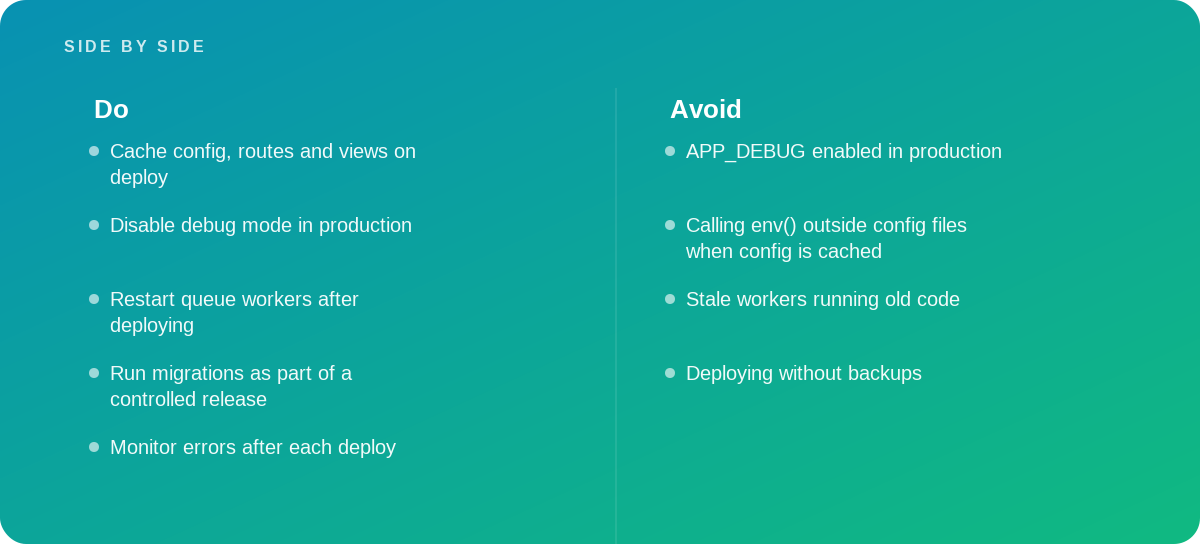
- Cache config, routes and views on deploy
- Disable debug mode in production
- Restart queue workers after deploying
- Run migrations as part of a controlled release
- Monitor errors after each deploy
Where it goes wrong
Avoid:
- APP_DEBUG enabled in production
- Calling env() outside config files when config is cached
- Stale workers running old code
- Deploying without backups
The numbers behind it
| Measure | Figure |
|---|---|
| Config caching | php artisan config:cache |
| Route caching | php artisan route:cache |
| Autoloader optimization | composer install with optimized autoloading |
| Debug mode | must be off in production |
Getting outside help
When to hand it over: Bring in help when Laravel deployments are manual or error-prone.
Where this comes from
- Laravel Documentation — Deployment
- Laravel Documentation — Configuration
The figures and practices above come from the sources listed.
Working on something like this?
We take on Web Design & Development work for teams who want it done once, properly. Tell us what you are building and we will tell you honestly whether we are the right studio for it. Start a project.
Where to go next
Spotted something wrong? Report an error on this page. We correct on the page and say what changed.








